

For architects, contractors, and installers
The new door generator for Revit.
Your flawless door library in 20 minutes... Effortless and hassle-free...
These companies chose THAZAR GATE









THAZAR GATE in one minute!
Try the free demo today – and master door modeling in Revit!
A complete Revit template ready to be integrated into your projects
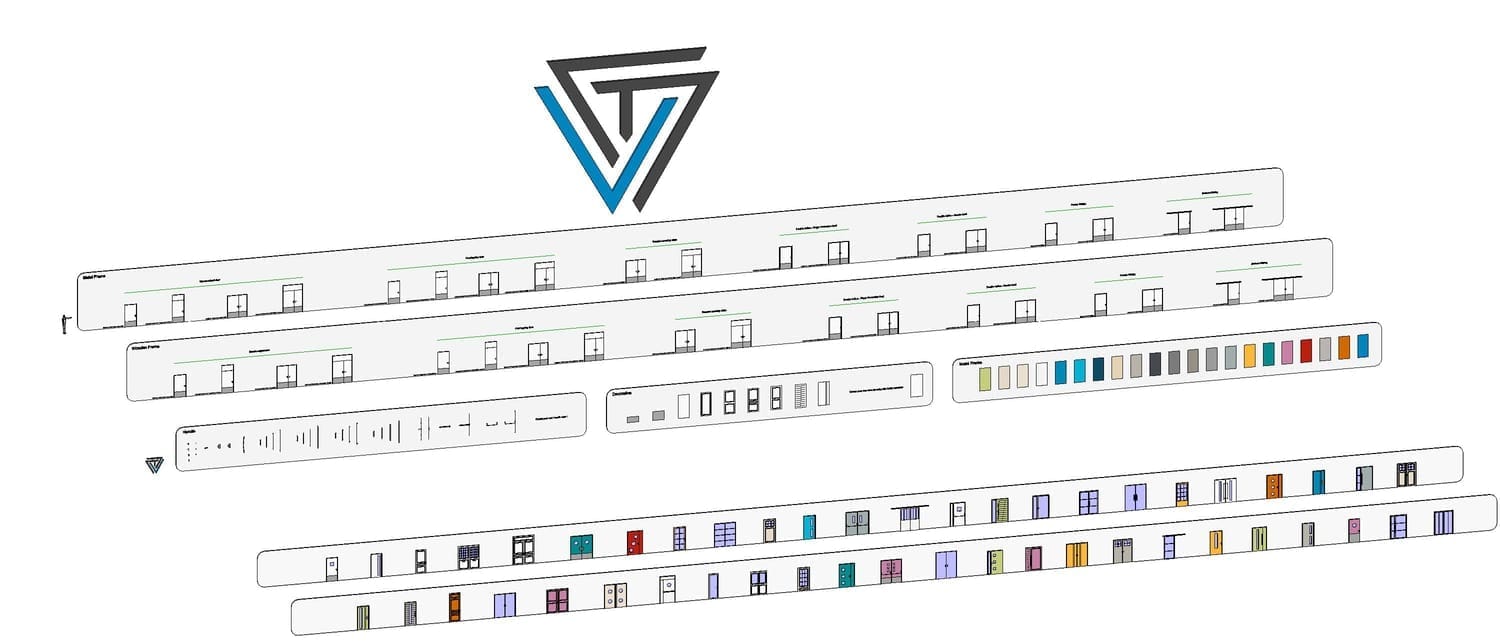
✅ The THAZAR GATE door generator – Single leaf / Double leaf / Single swing / Double swing / Pocket and surface sliding doors, with or without transom...
✅ A full library of door handle families (lever handles, panic bars, cremone bolts)
✅ A decor family library (Old, modern, minimal)
✅ A hardware library (kick plates, signage, etc.)
✅ Handle creation templates
✅ Decor creation templates
✅ Deliverable templates (door schedules, detail booklets, location plans…)
✅ Plenty of sample doors to inspire your own designs!
+
Access to the THAZAR GATE platform
✅ Educational content to help you go further with THAZAR GATE
✅ Use cases / Tutorials
✅ Collections of additional accessories
✅ Live access + chat where I personally answer your questions
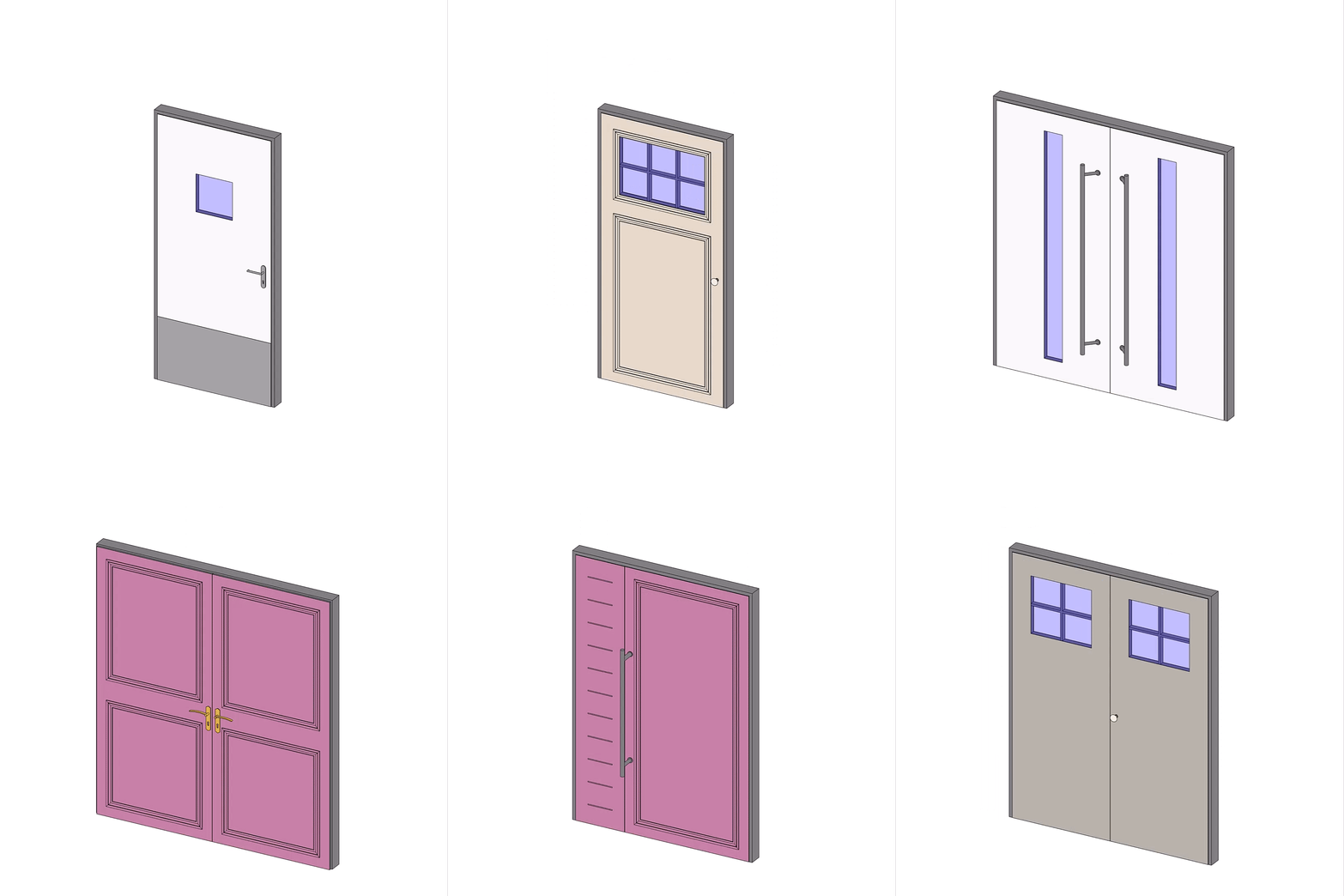
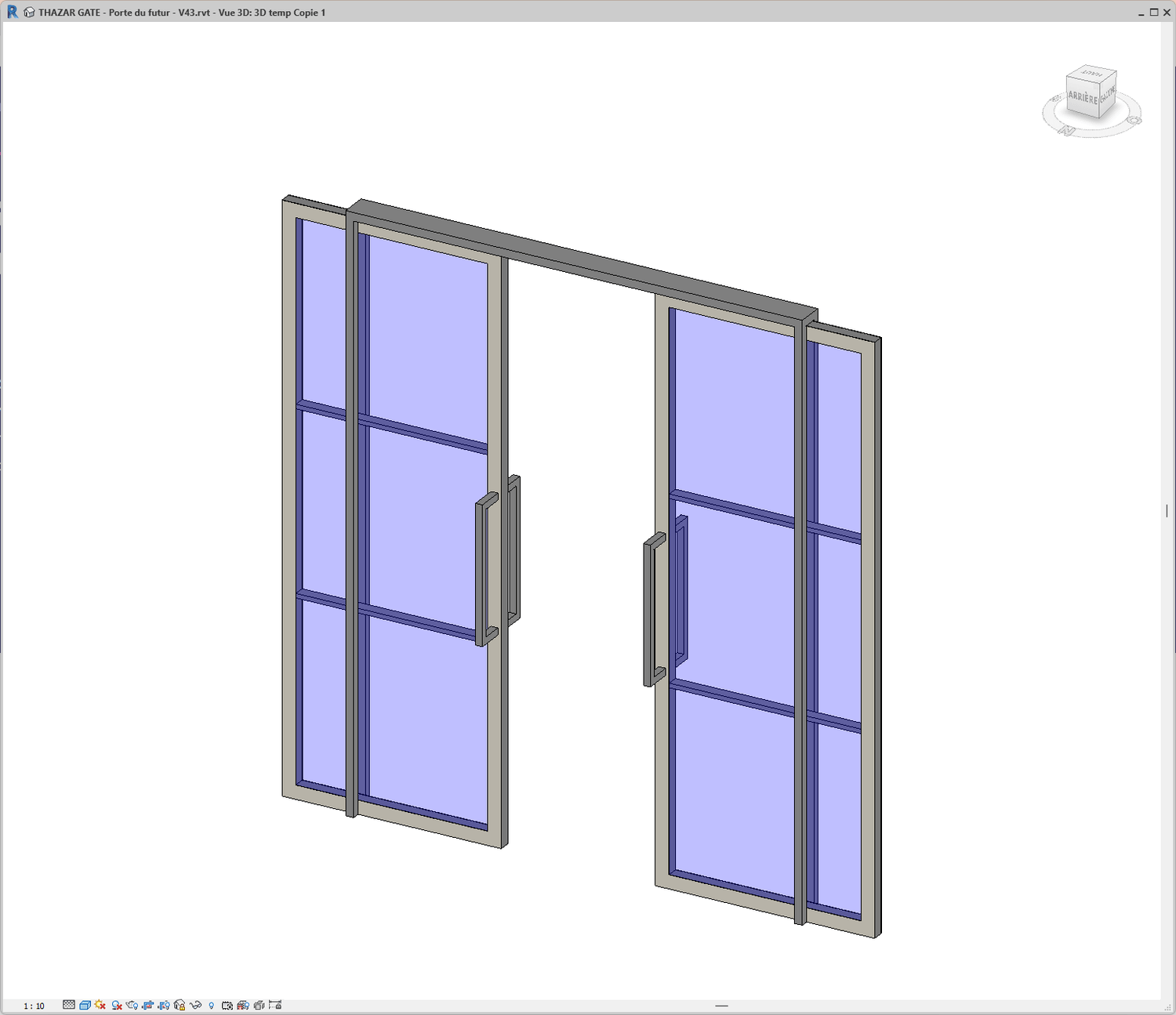
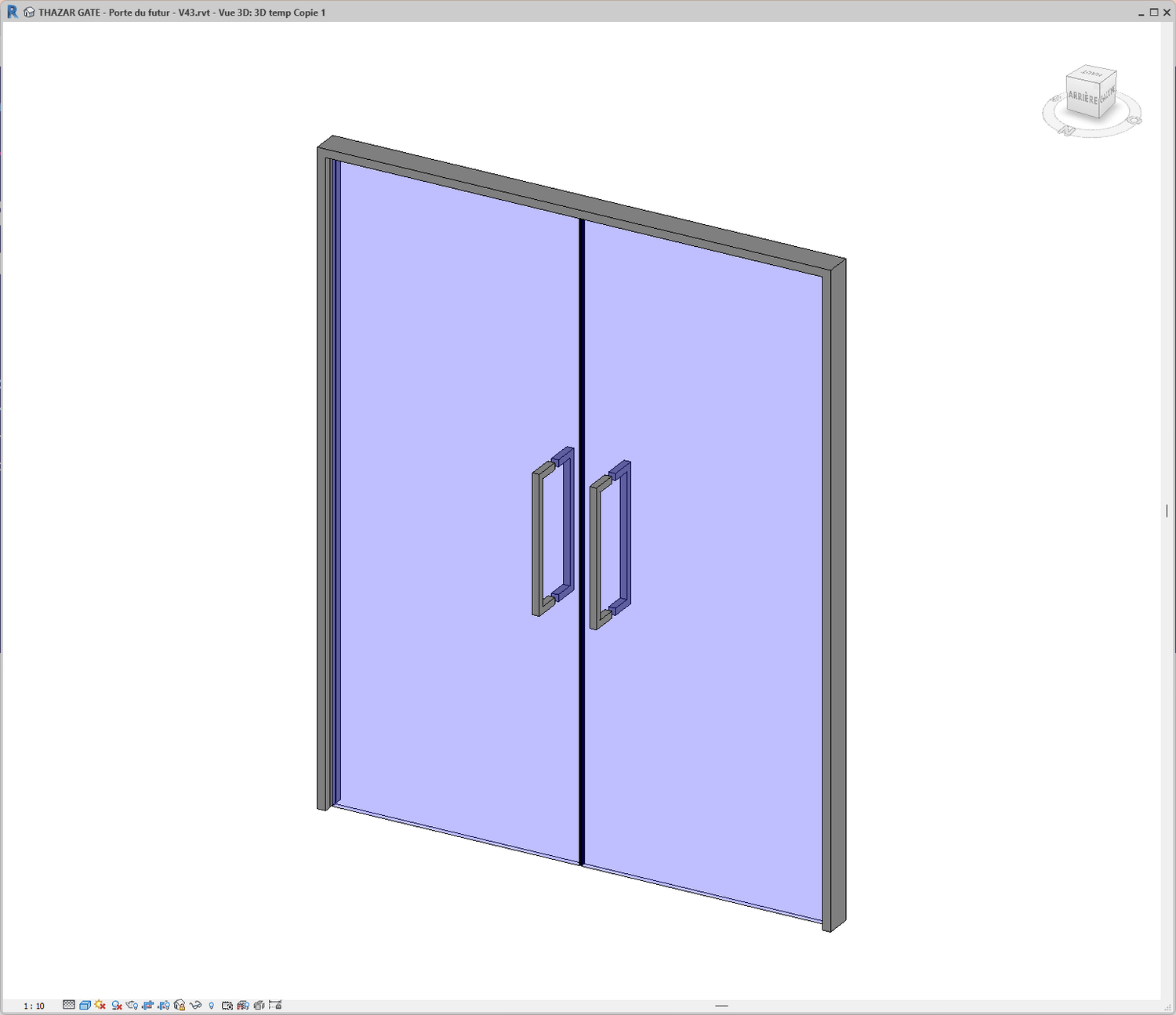
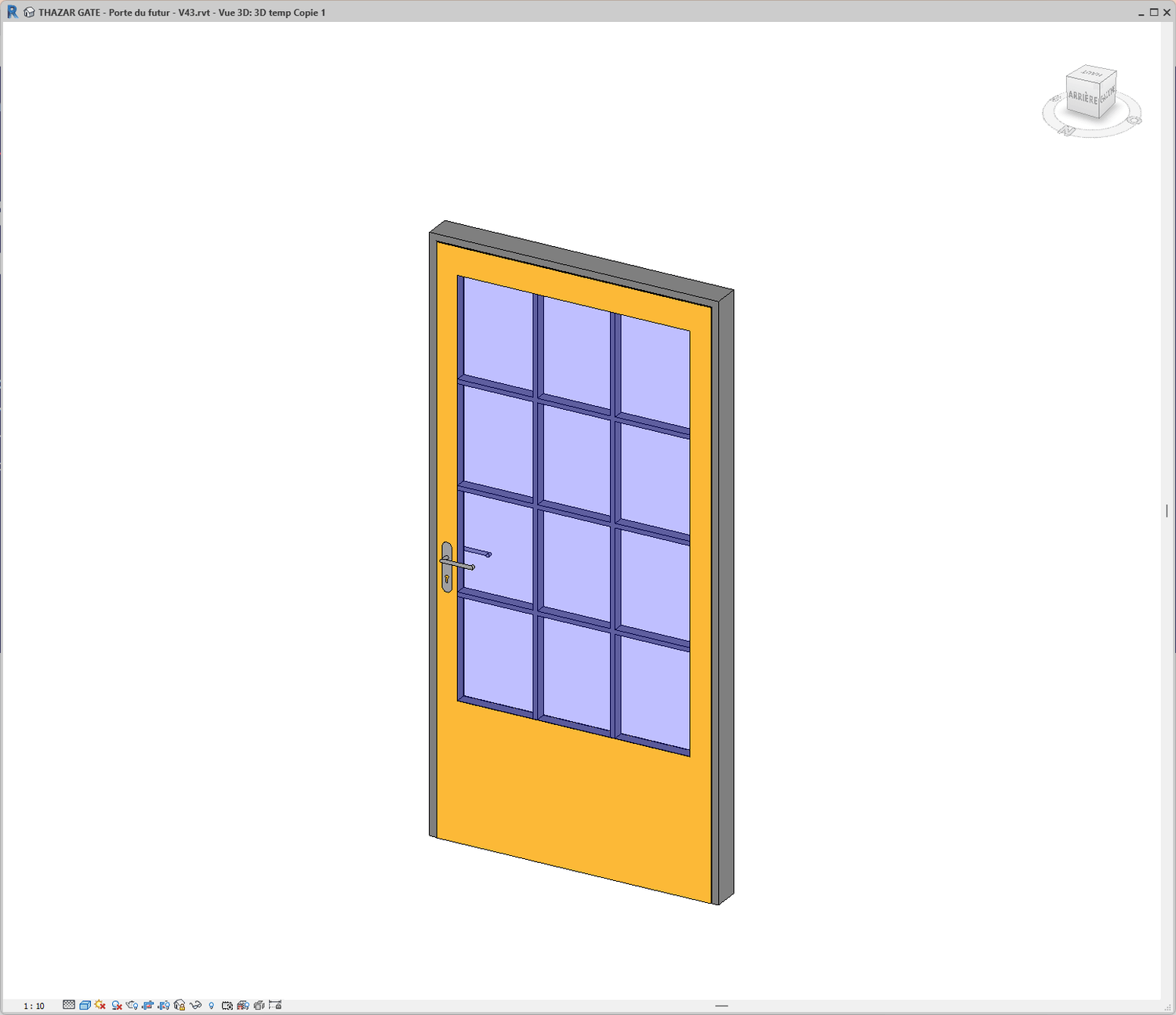
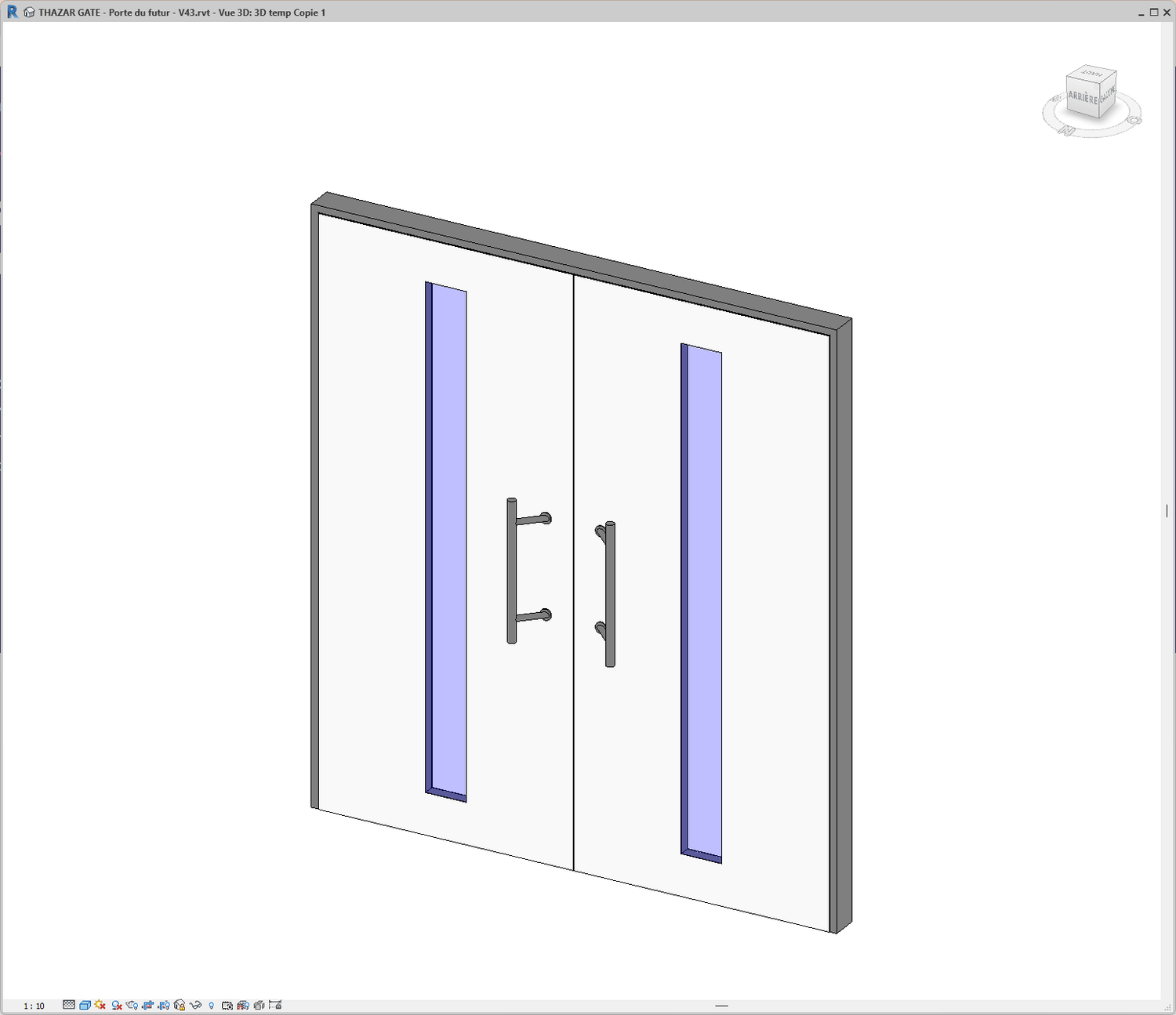
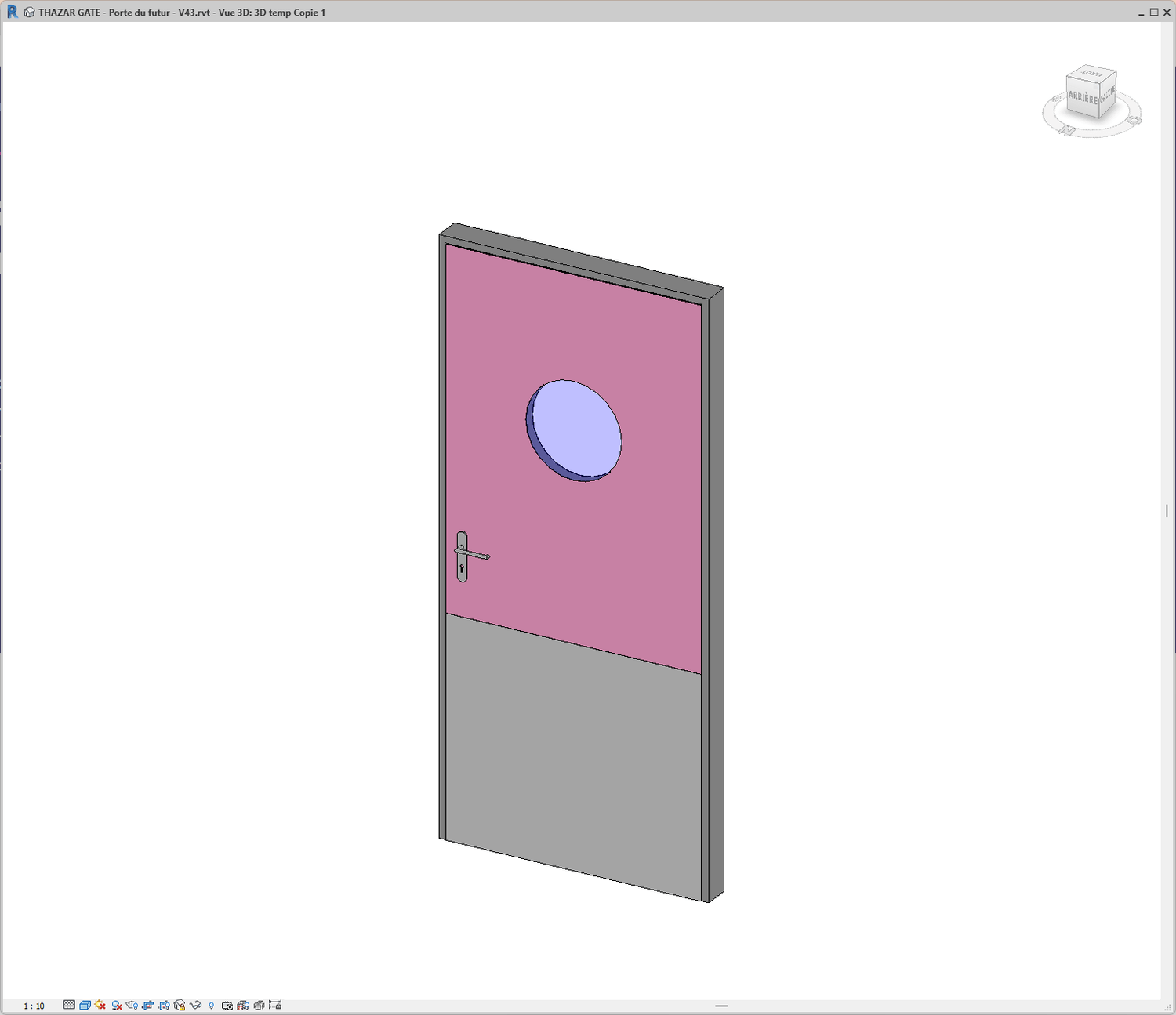
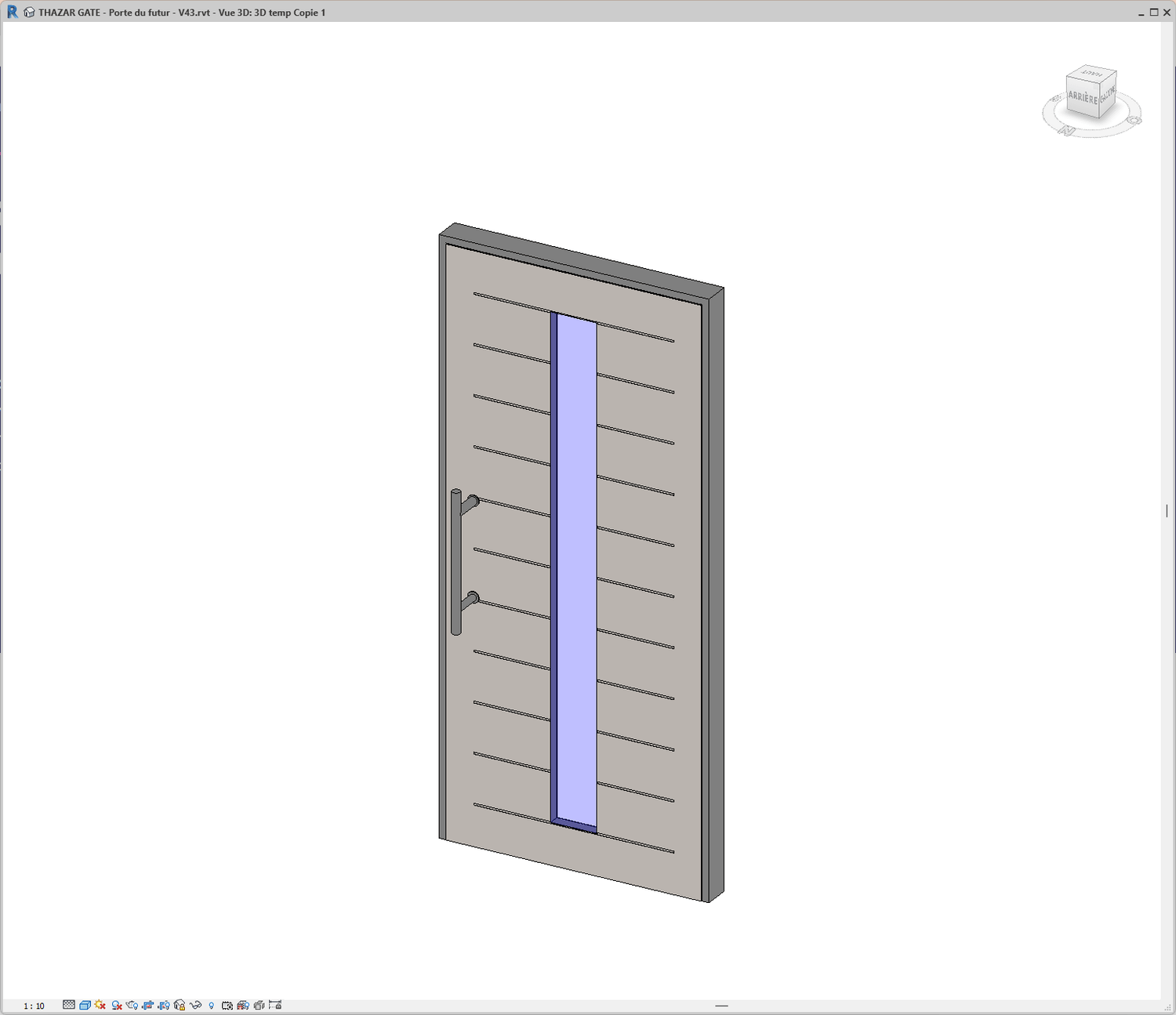
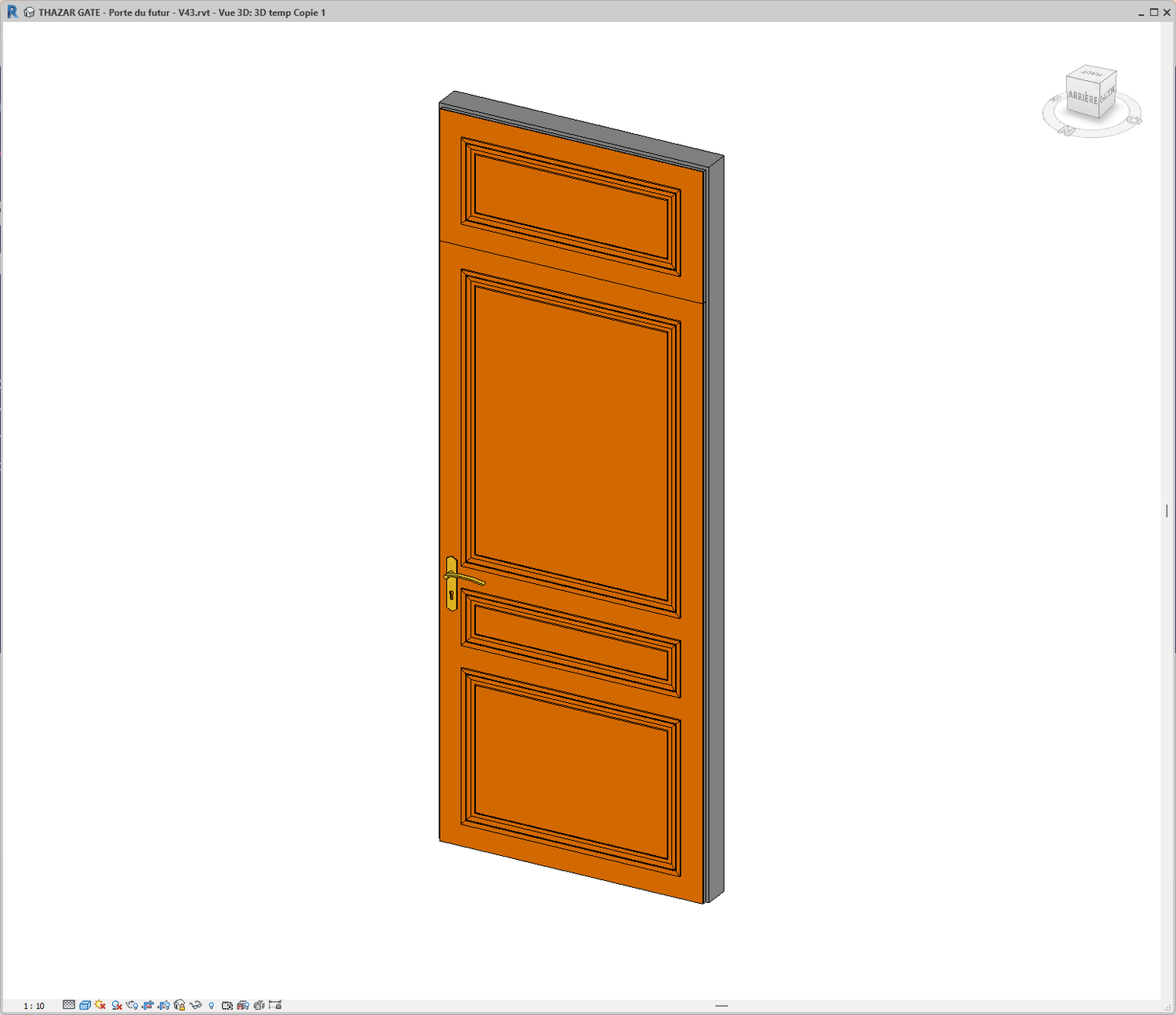
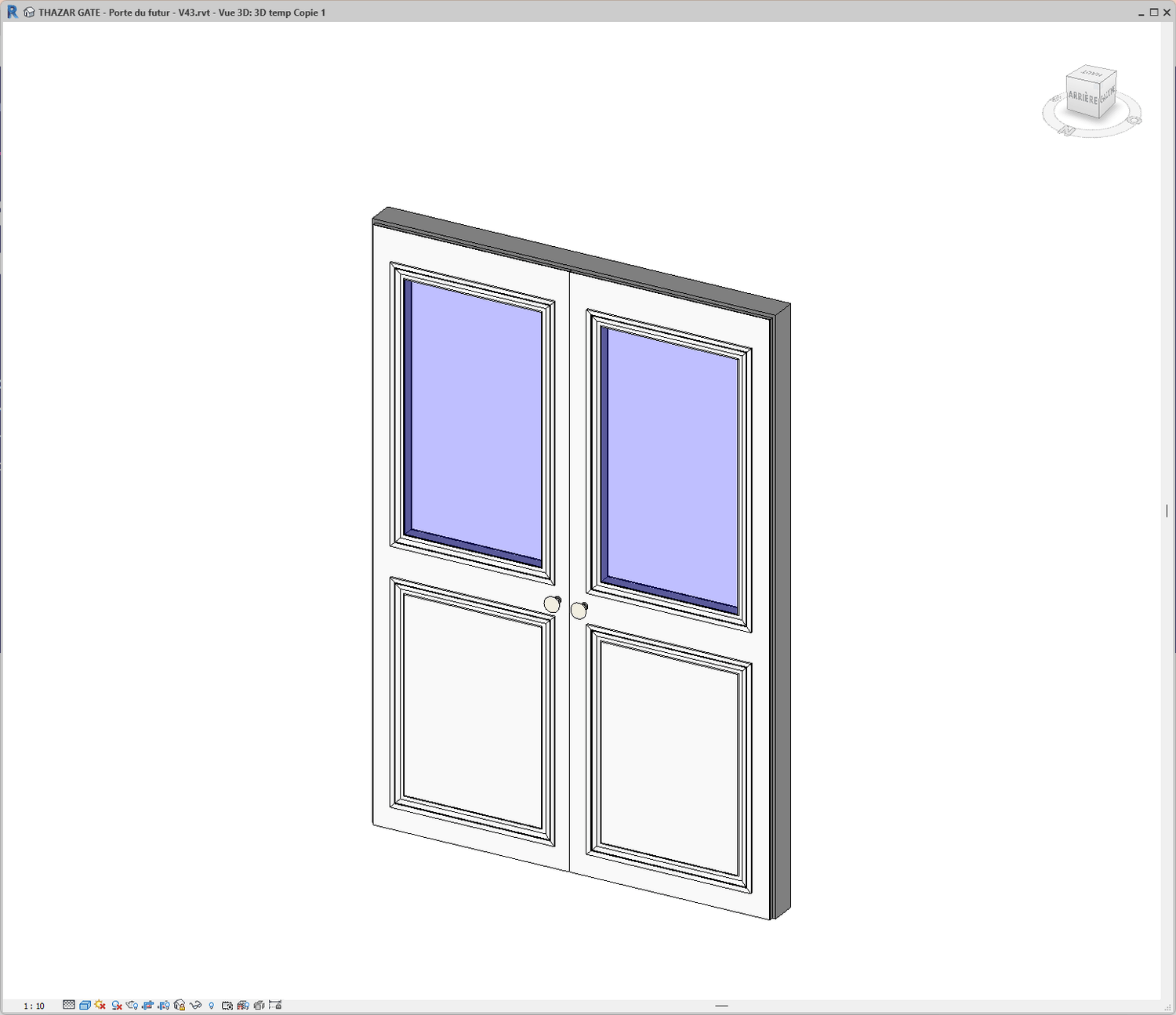
A few doors made with THAZAR GATE!
Revit stays fast and responsive
✅ THAZAR GATE is fast and easy to handle—even when editing 500 doors at once.
Every frame you need...
✅ Wood frames:
In-wall installation
Overlap installation
Partition wall installation...
✅ Metal frames:
In-wall installation
Overlap installation
Partition wall installation
Concrete formwork installation
Place your doors like a pro!
✅ You can adjust the door’s position relative to the host wall.
✅ You can fine-tune the frame thickness when working with single-layer walls.
One-click update!
Customize all your doors at once!
✅ Customize 3D and 2D detail levels for all your doors in a single step.
✅ Personalize door finishes, handles, and hardware...
✅ No more editing 20 different door families just to add one feature or make a change!
Stunning deliverables—without breaking a sweat !
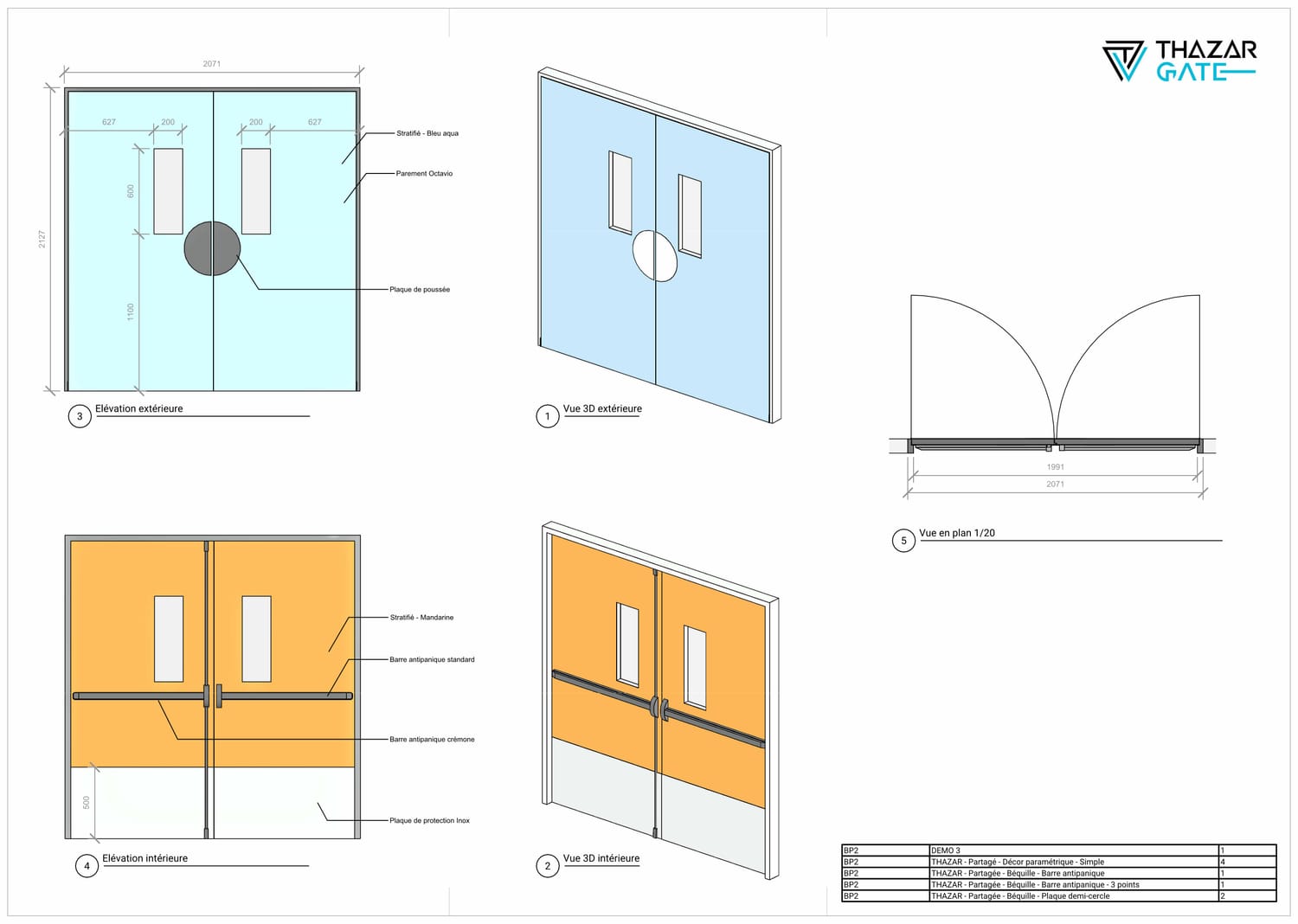
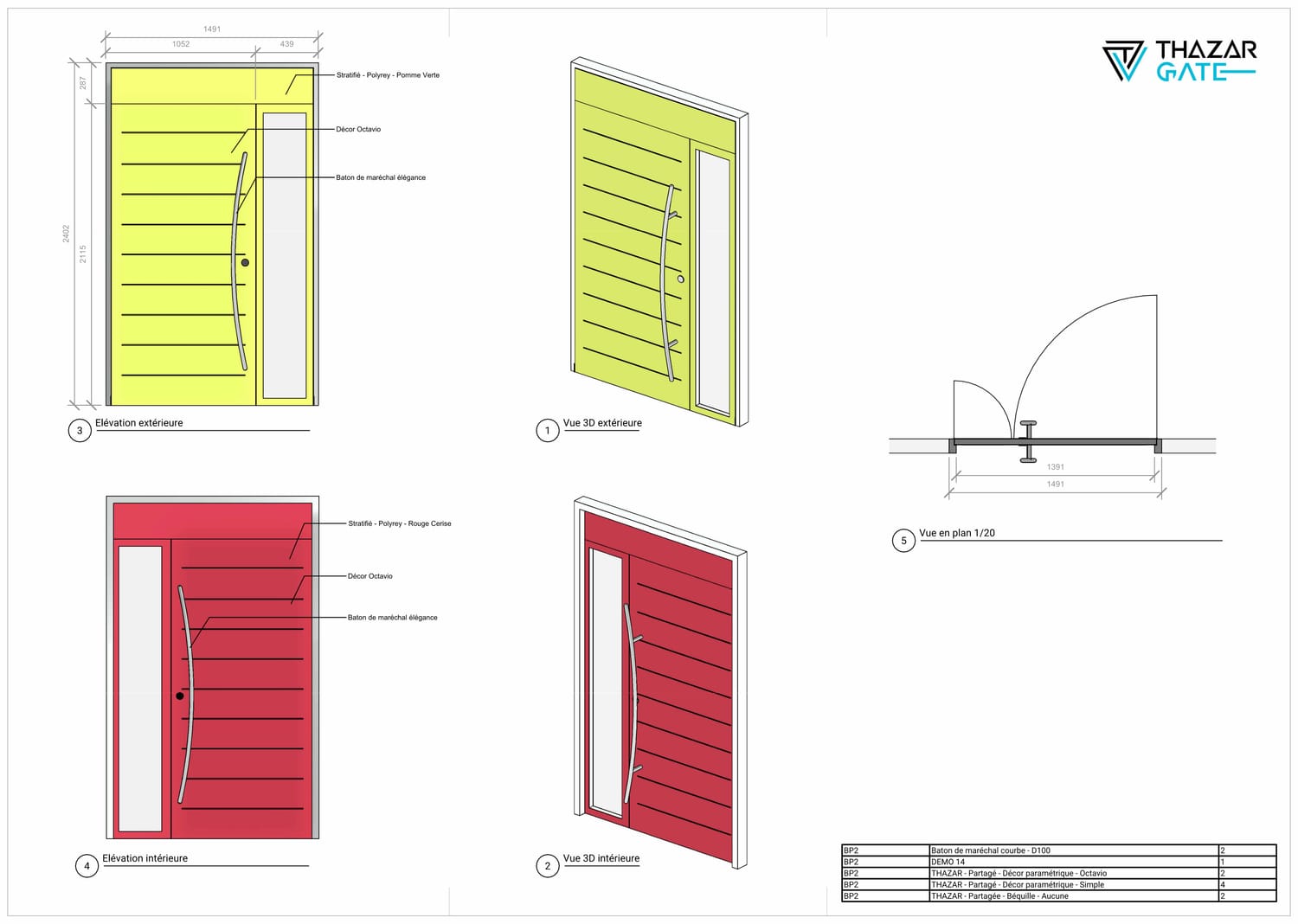
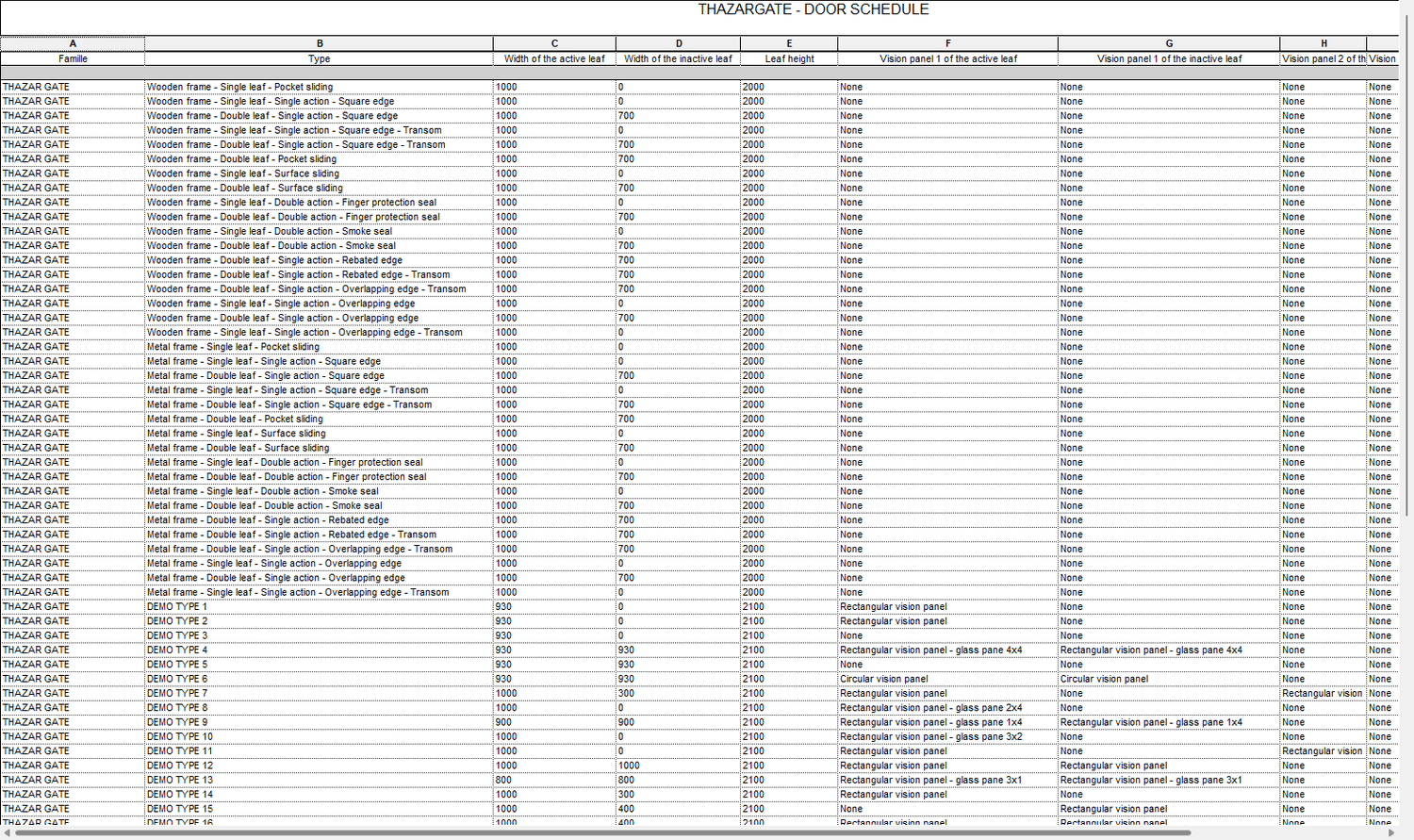
A consistent database and deliverables
✅ One tool / One centralized database: all your documents are dynamically linked. Update once, and everything stays in sync.
✅ Guaranteed consistency: all your door data comes from a single, unified family.
This ensures perfect consistency across all your deliverables.
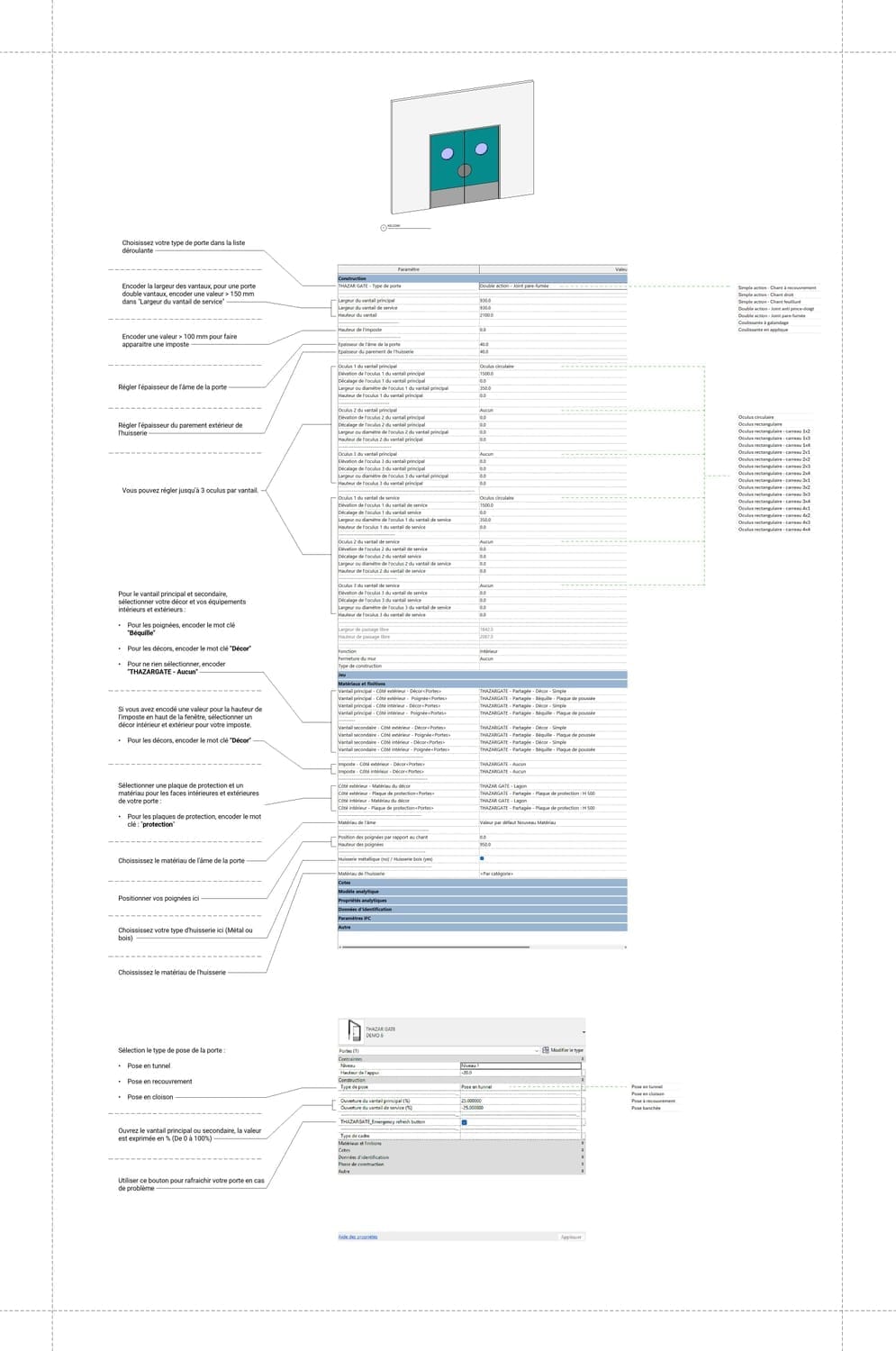
A clear and intuitive user interface
✅ A clean and efficient interface with clear, easy-to-understand parameters to configure your door.
✅ Powerful dropdown menus that let you set up your door in just a few clicks.
✅ Single or double leaf, single or double swing, surface-mounted or pocket sliding... with or without transom — switch between them in literally one click!
Using THAZAR GATE reduces your model size
✅ THAZAR GATE keeps your project lightweight.
A single family for all your doors is much lighter than managing 100 separate door families.
The THAZAR GATE family weighs just 3.9 MB. 🪶
Elles utilisent les bibliothèques de THAZAR













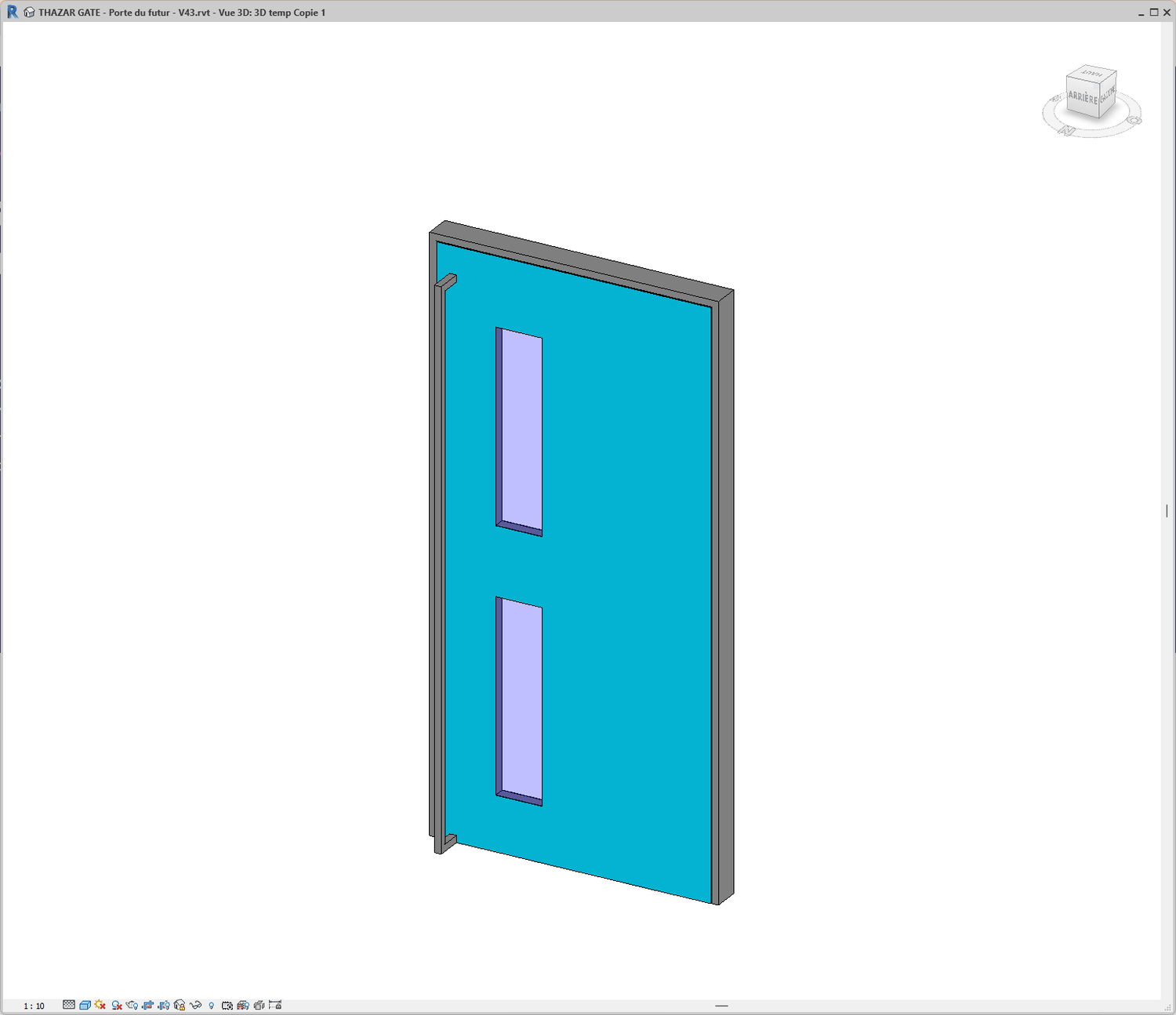
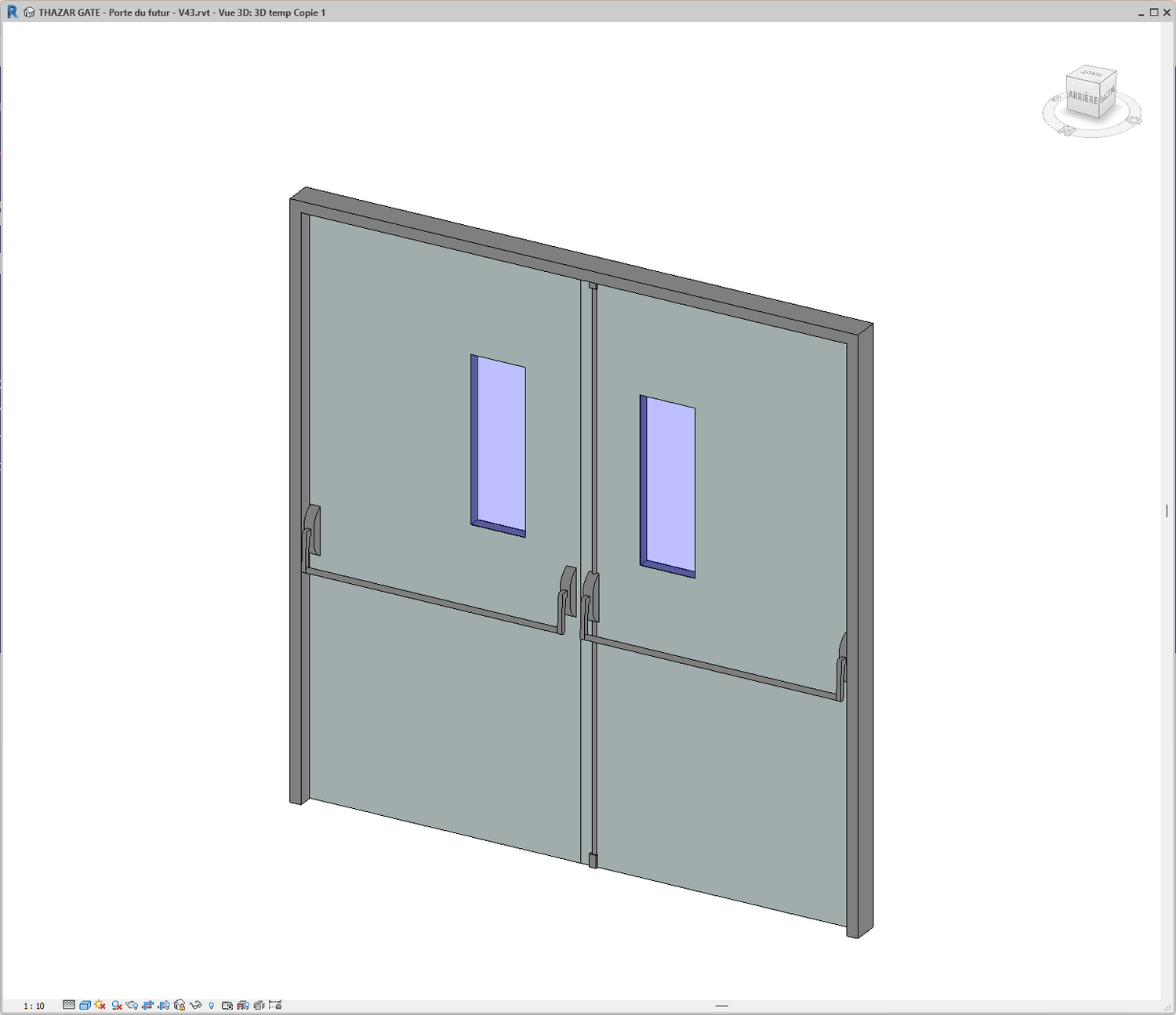
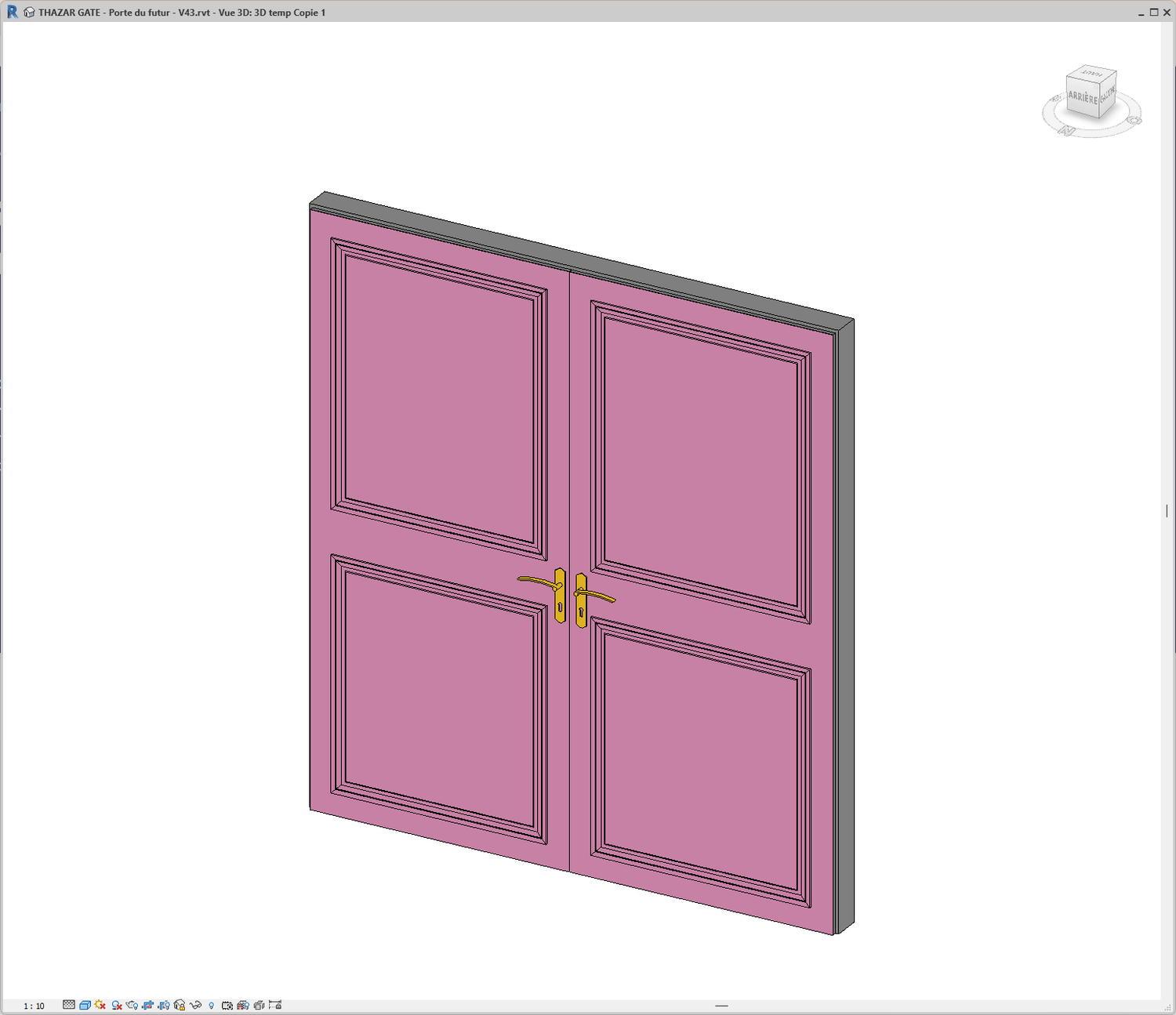
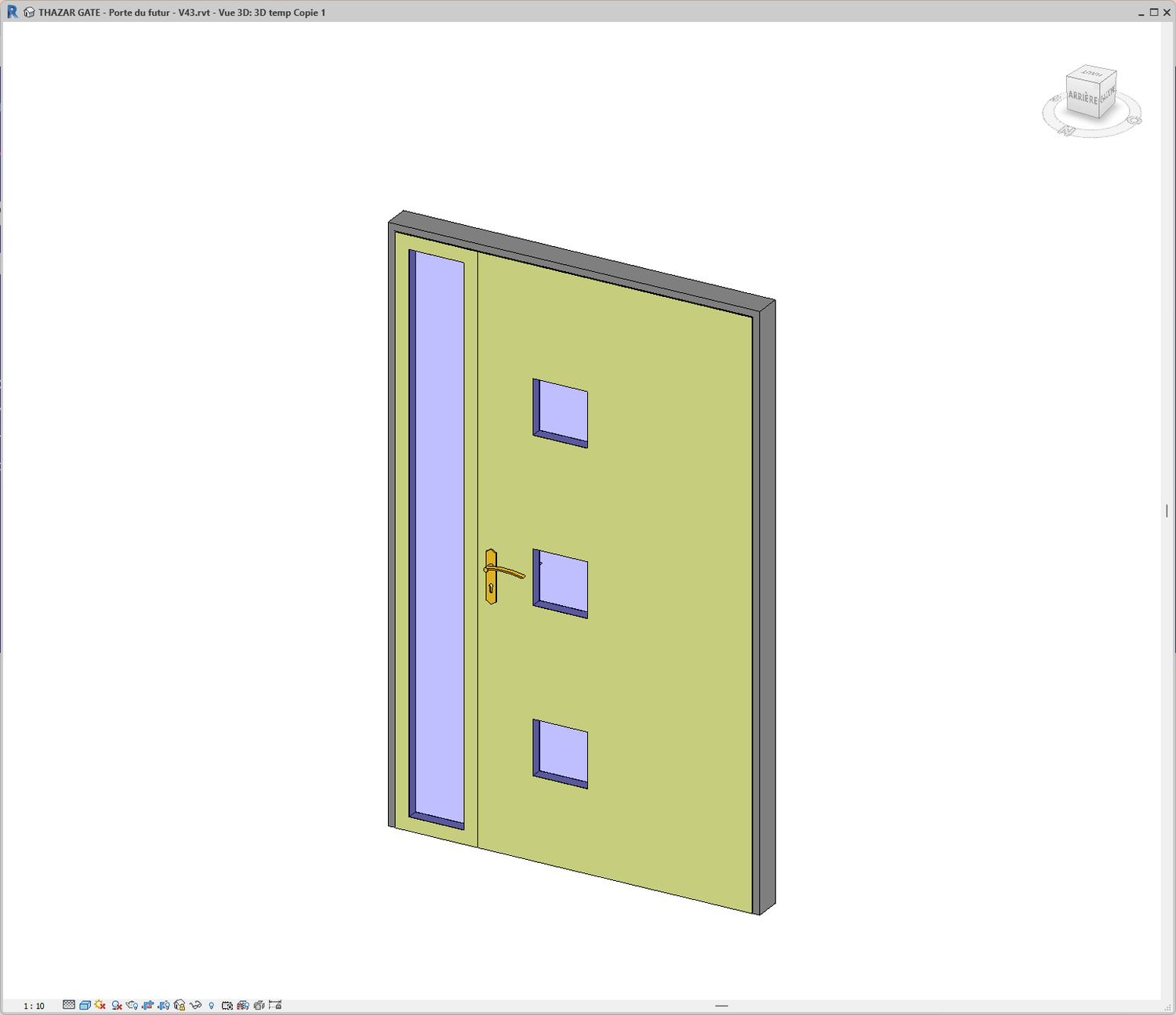
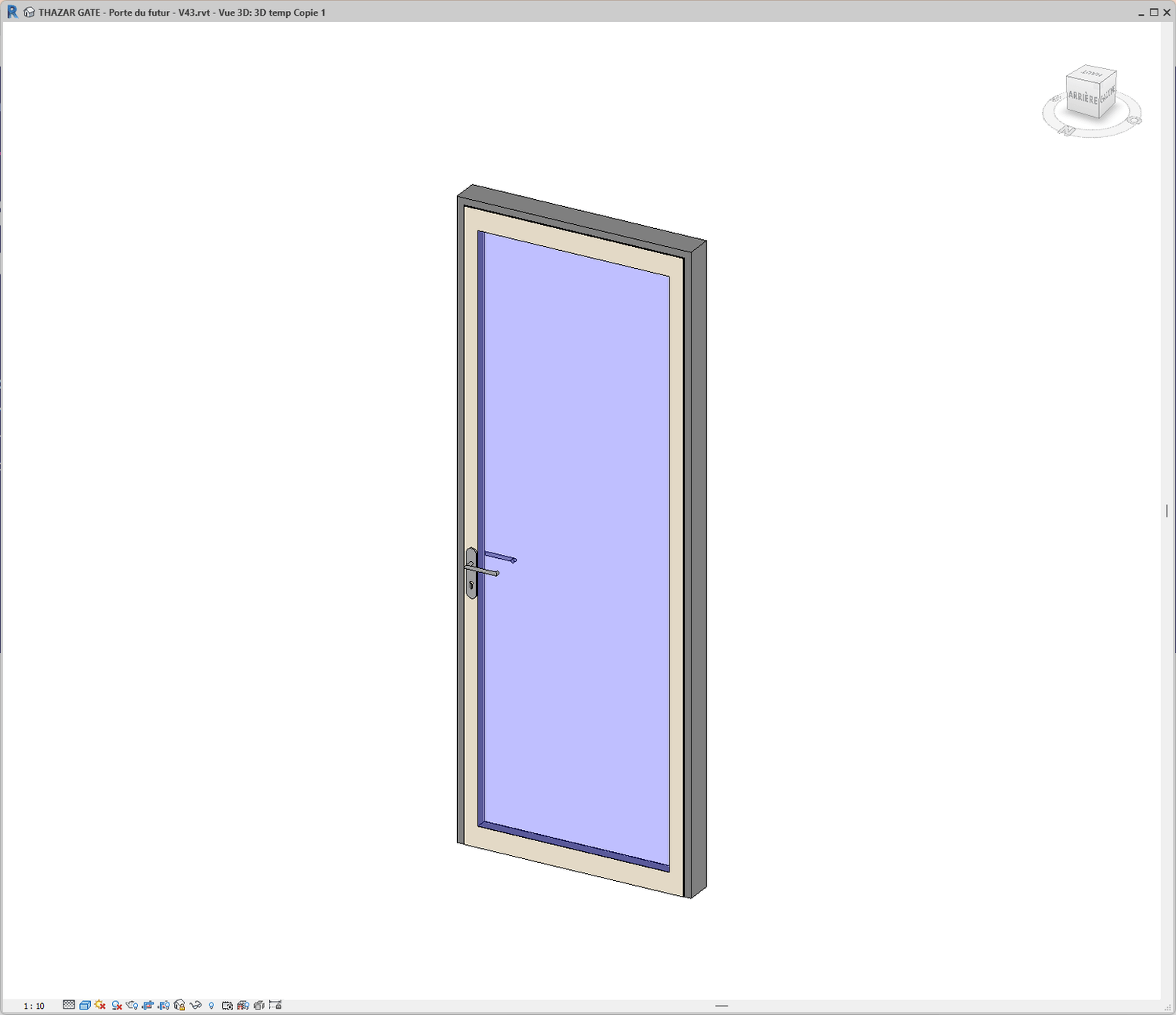
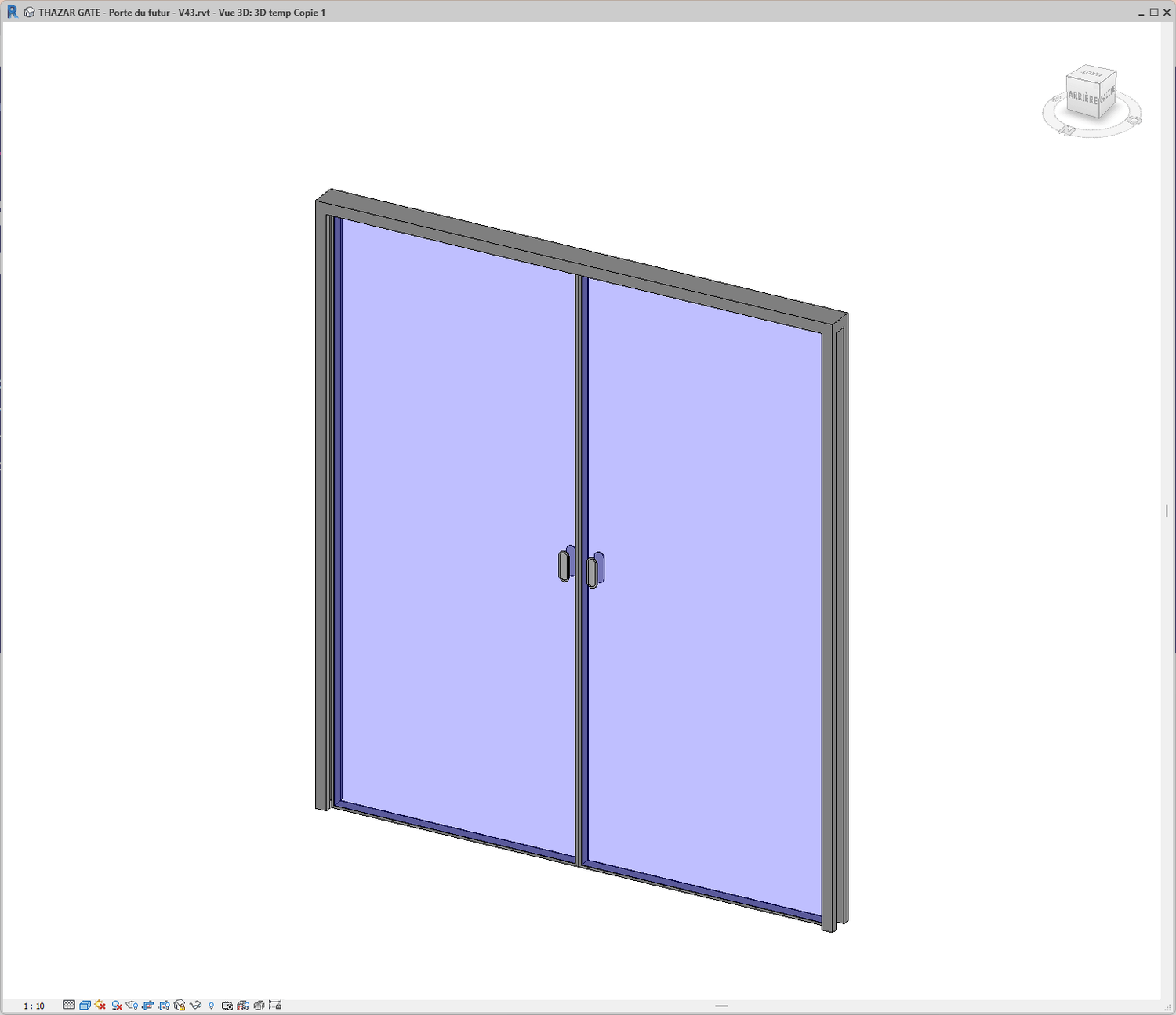
With THAZAR GATE, you can create each of these doors yourself in under 90 seconds
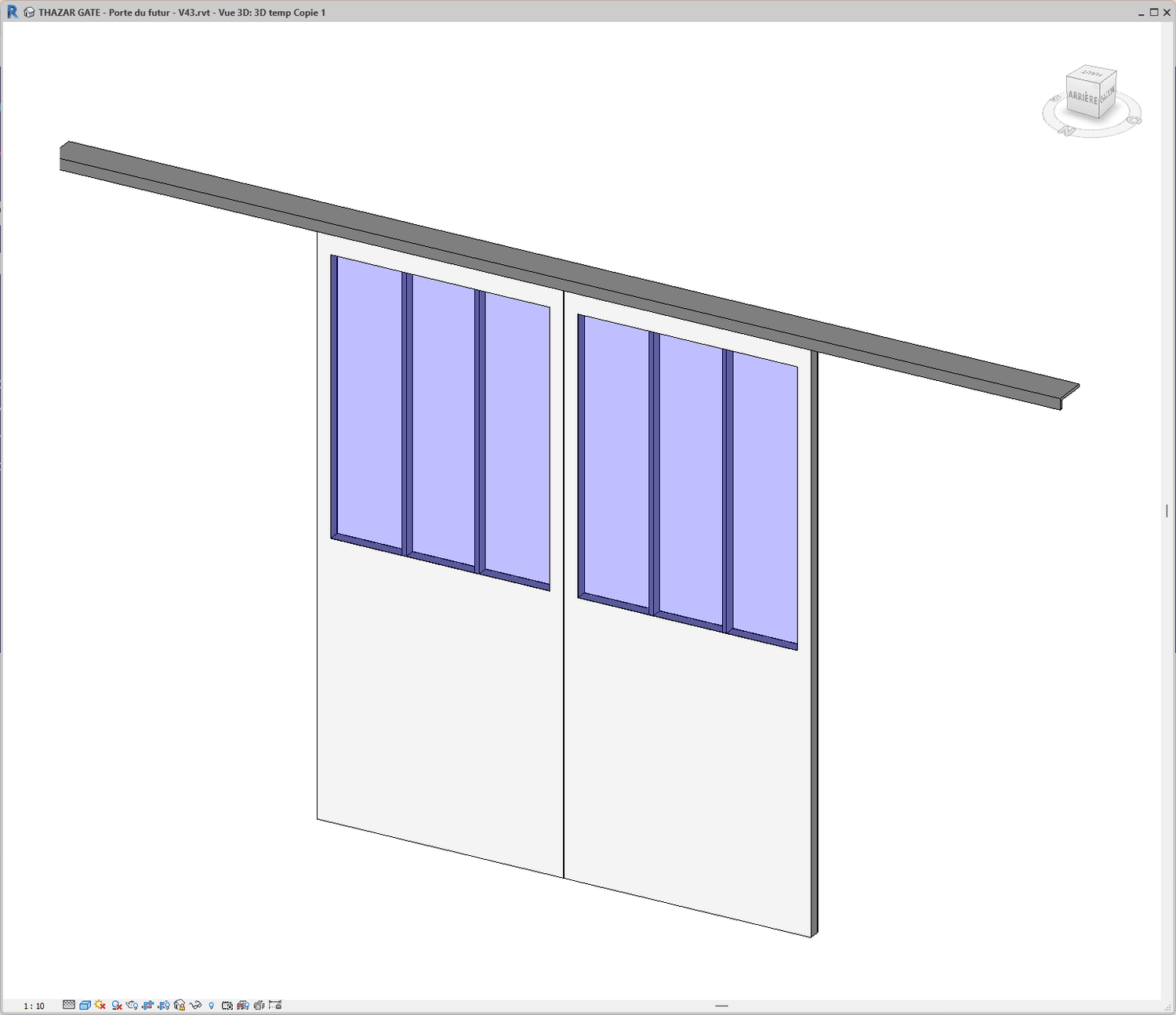
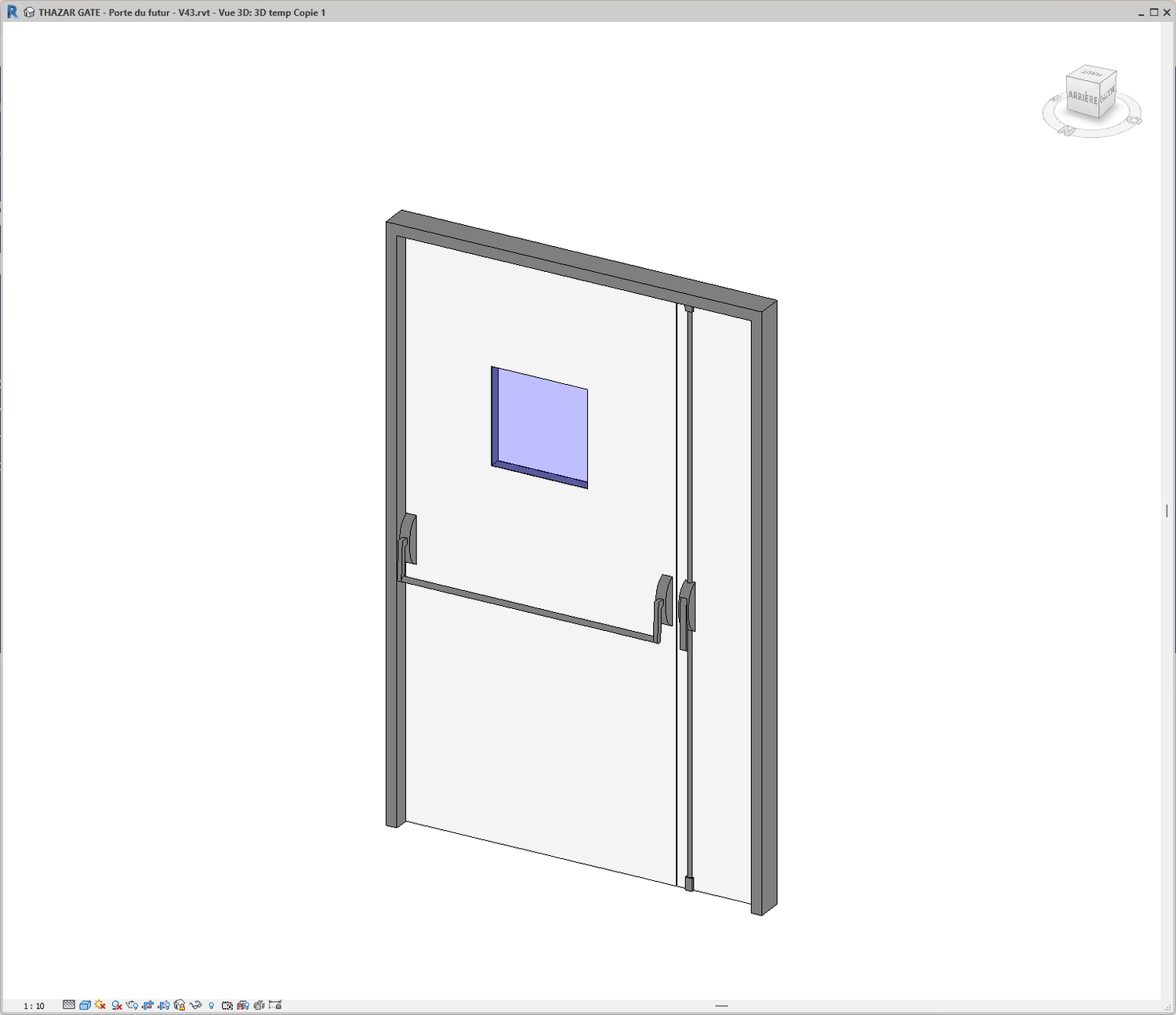
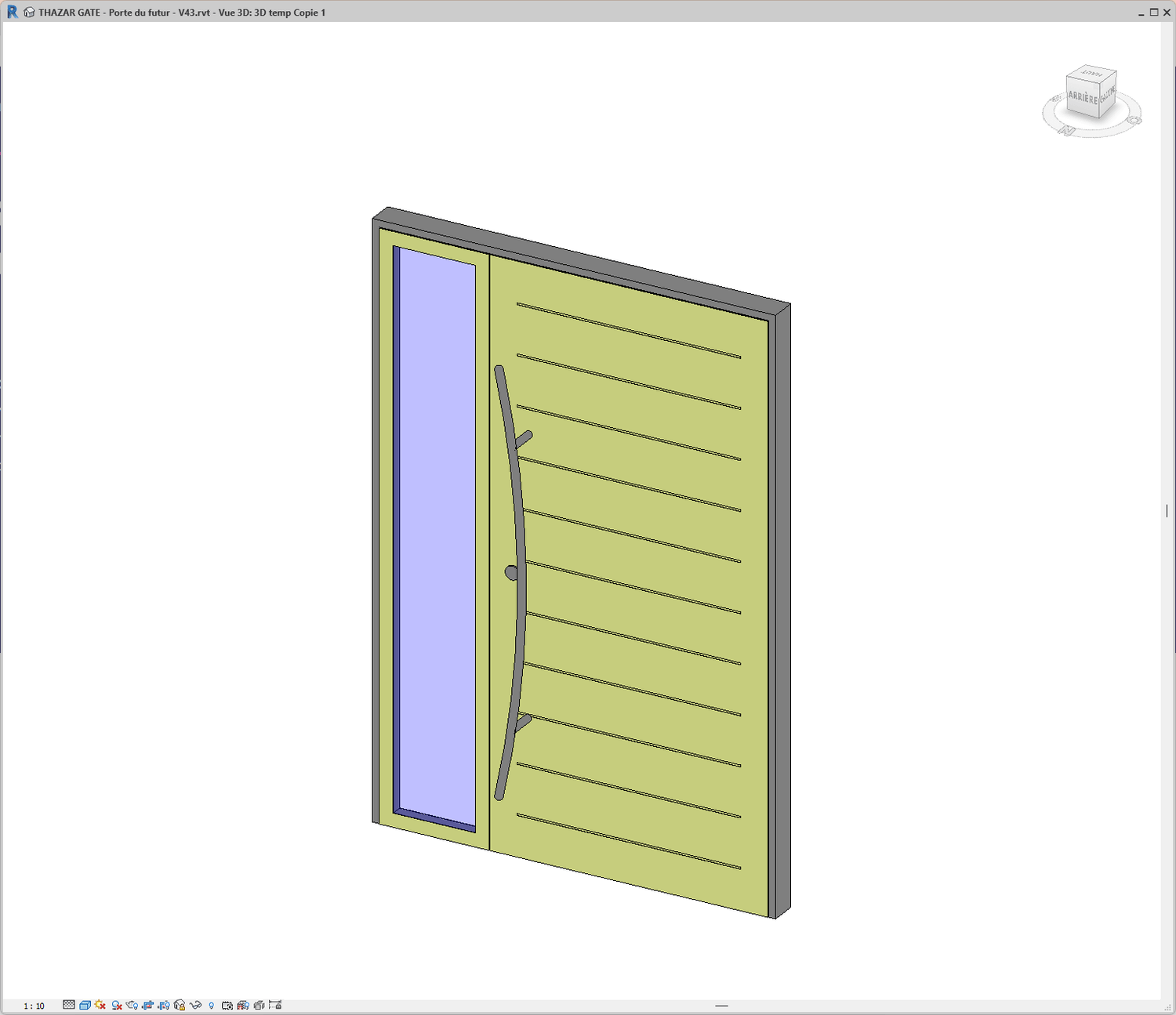
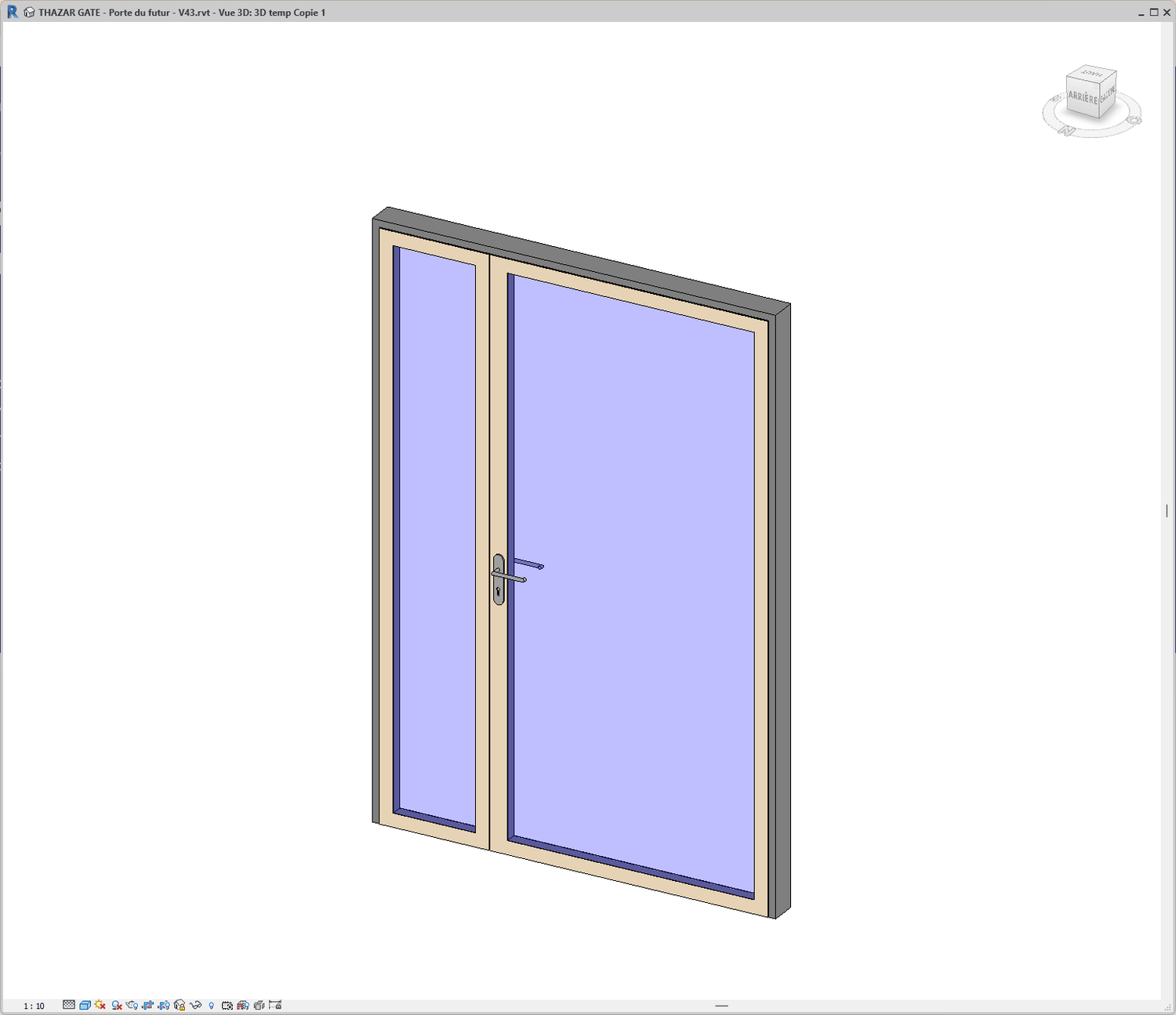
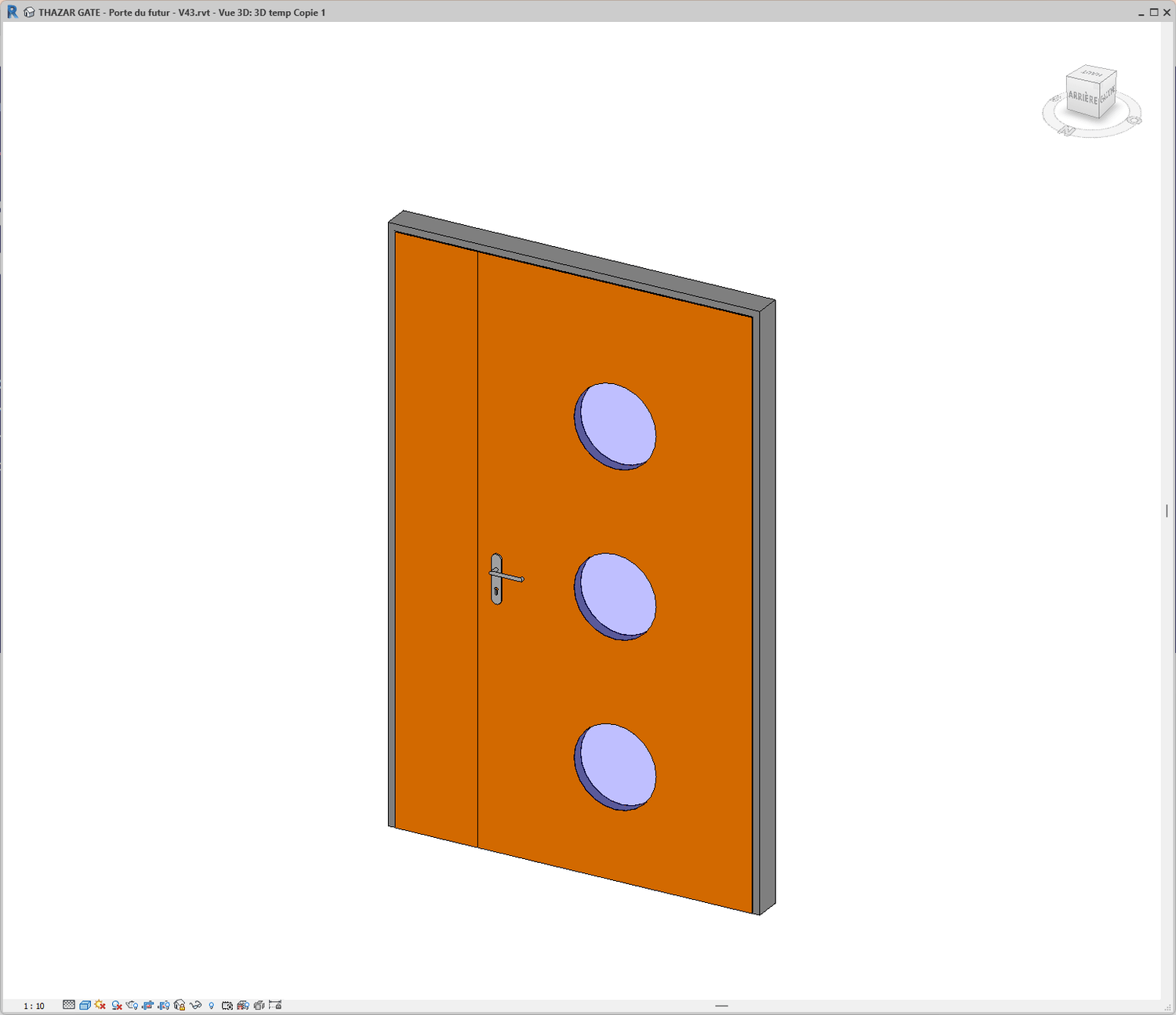
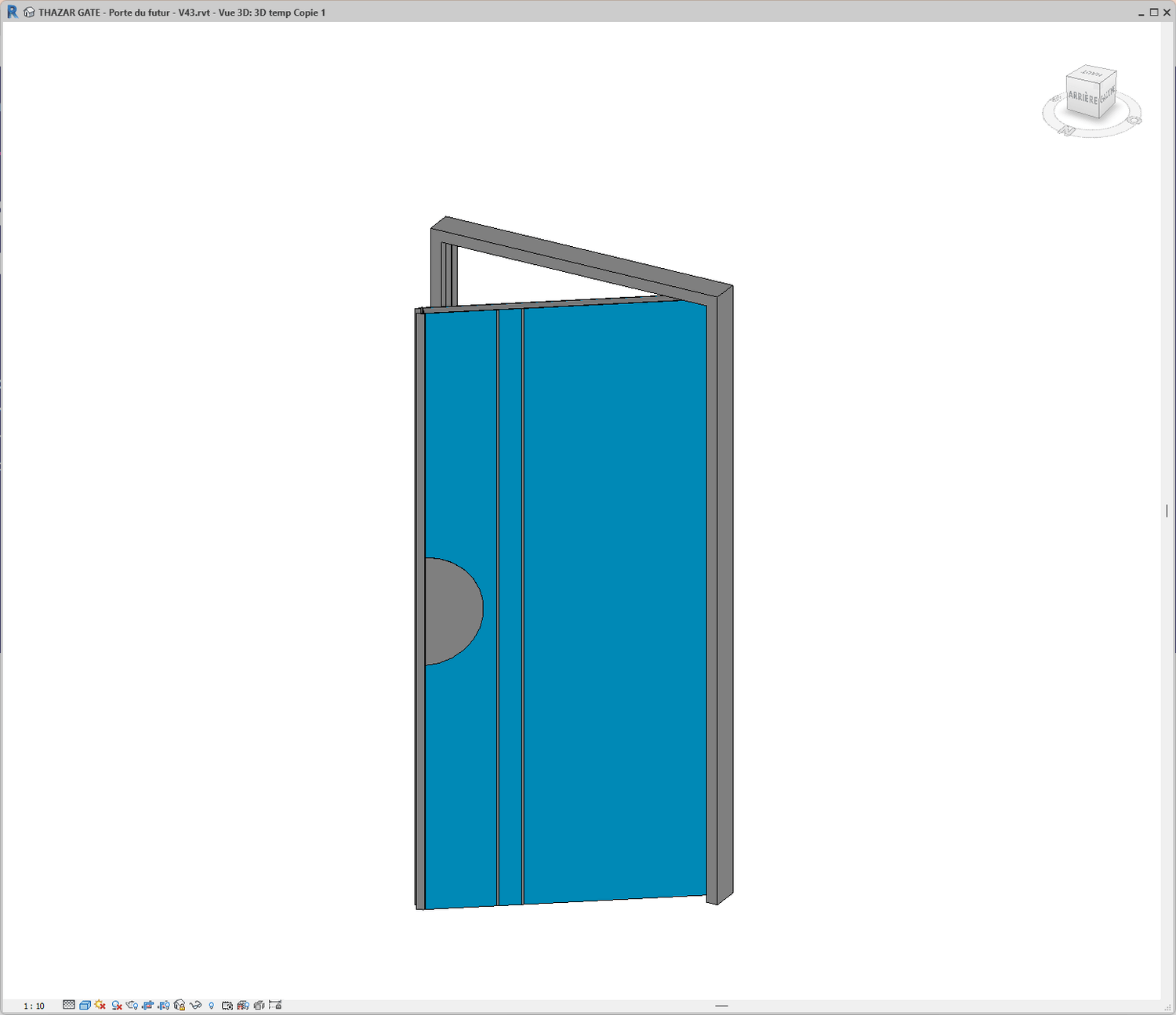
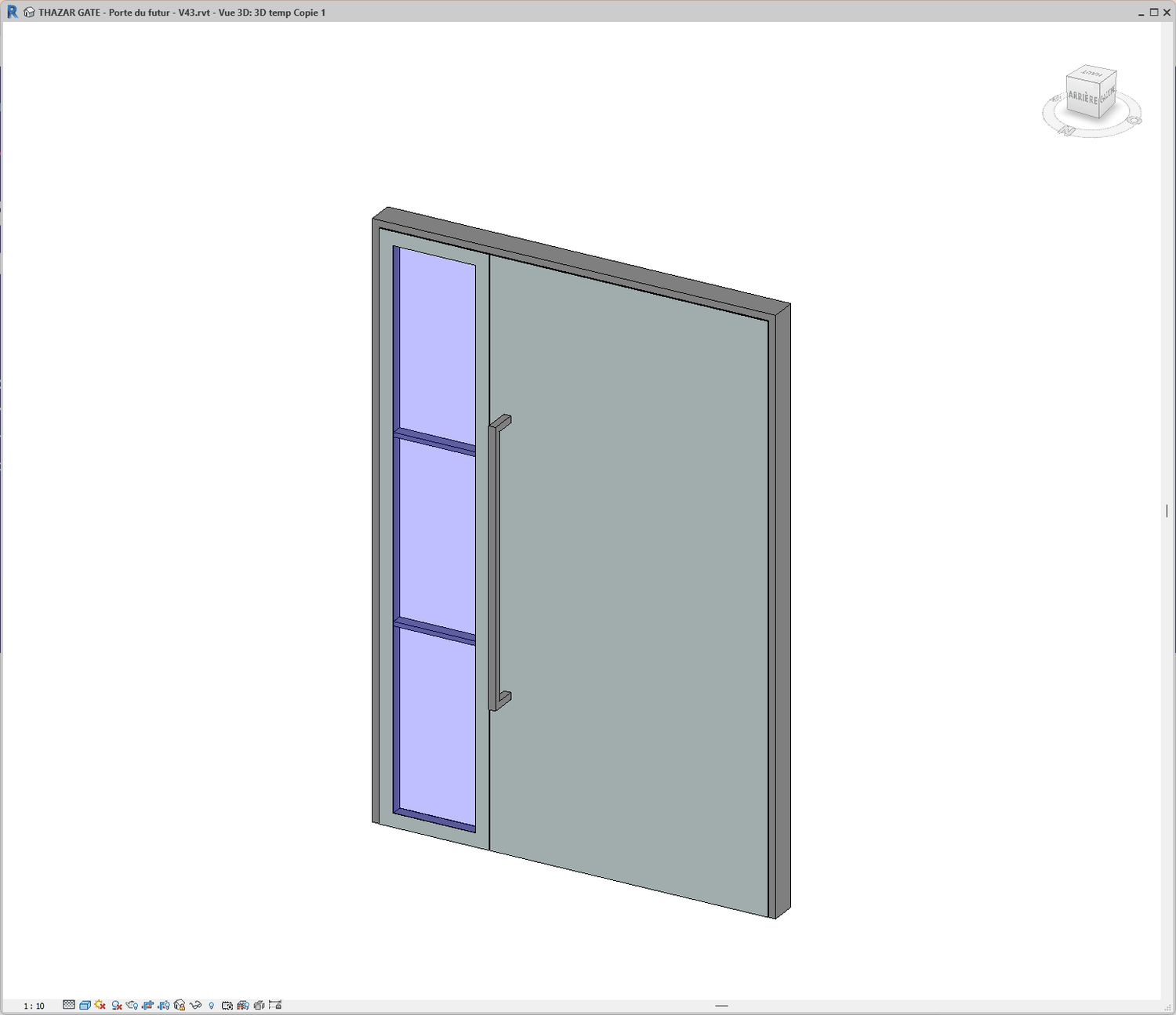
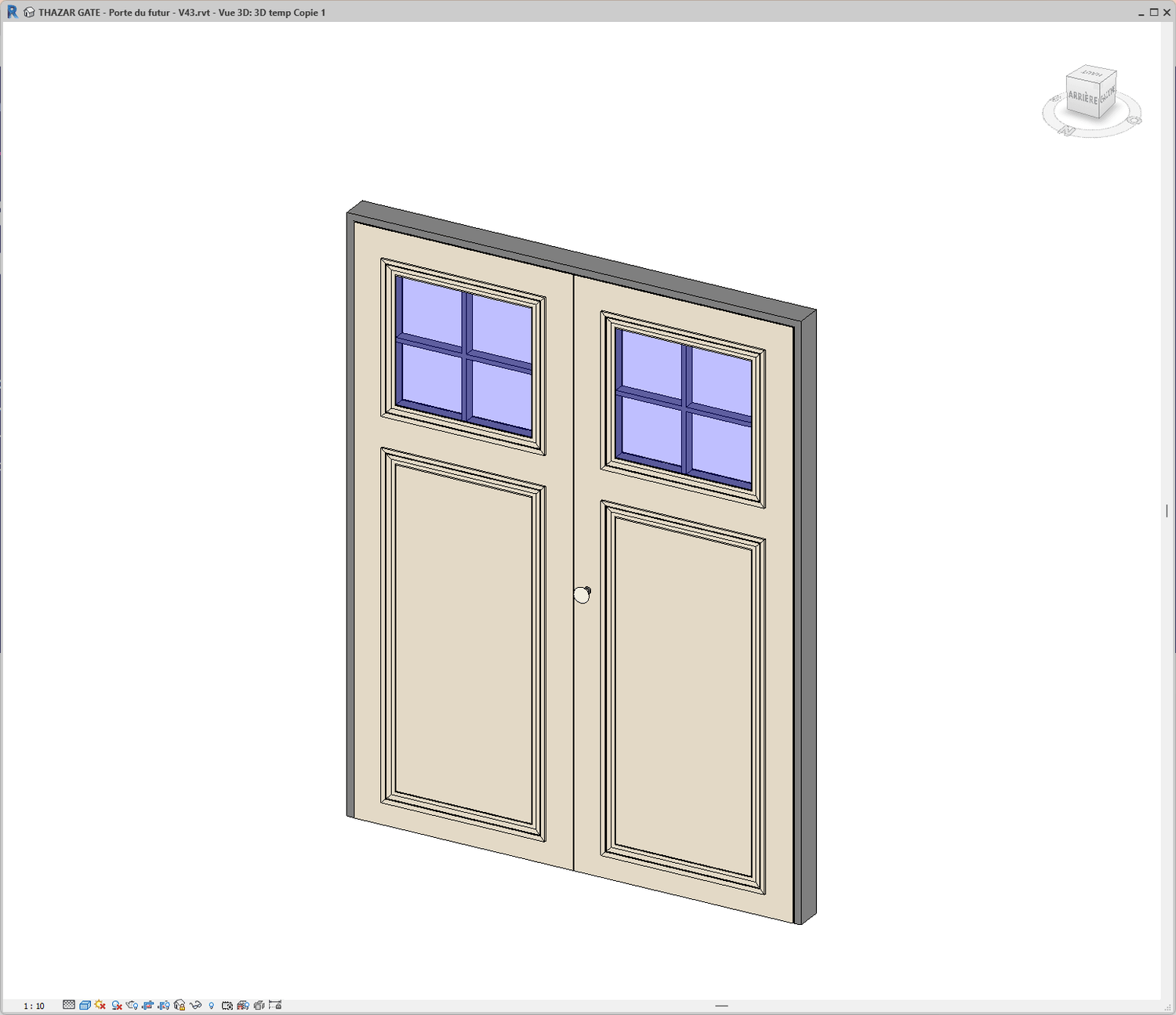
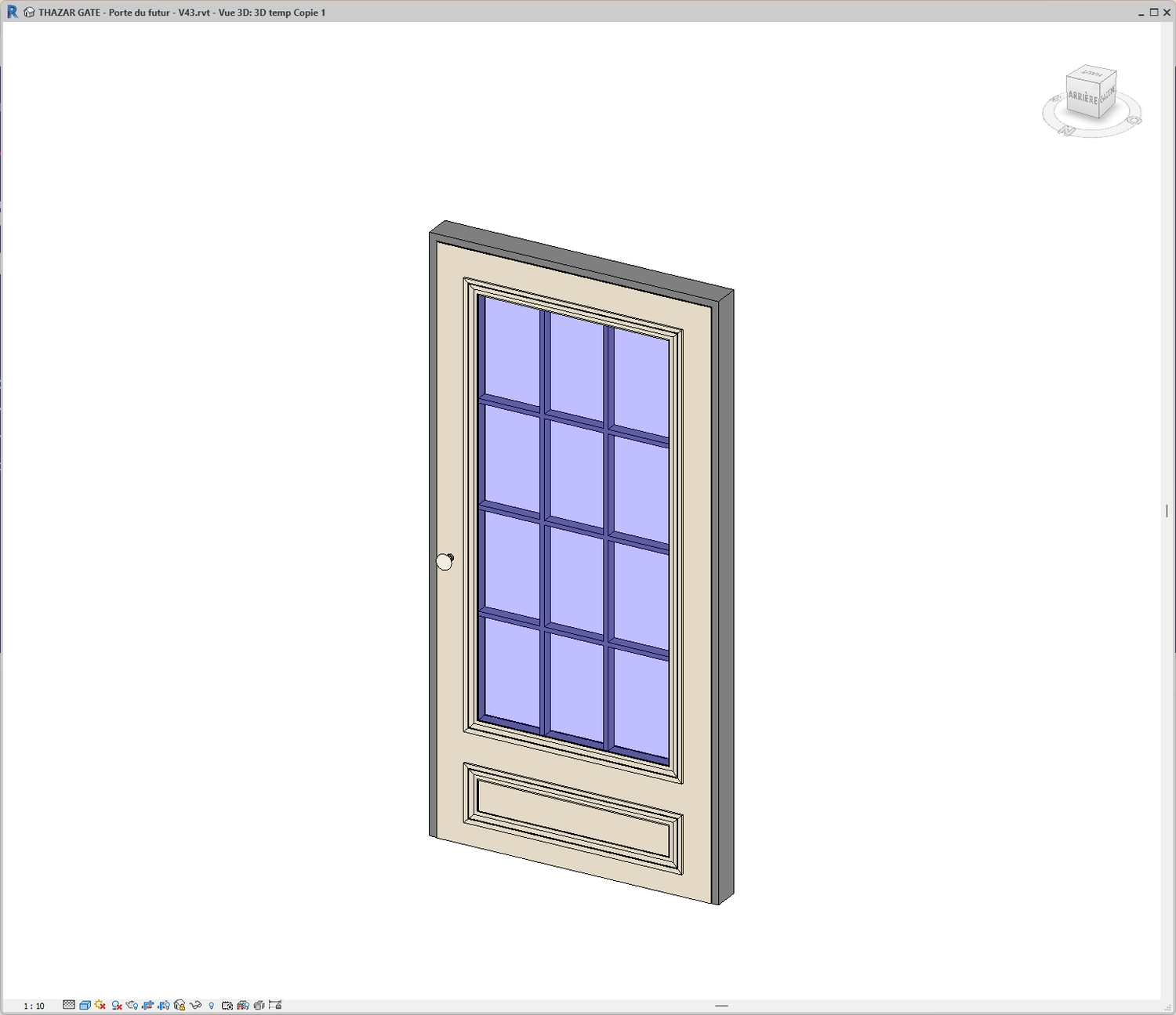
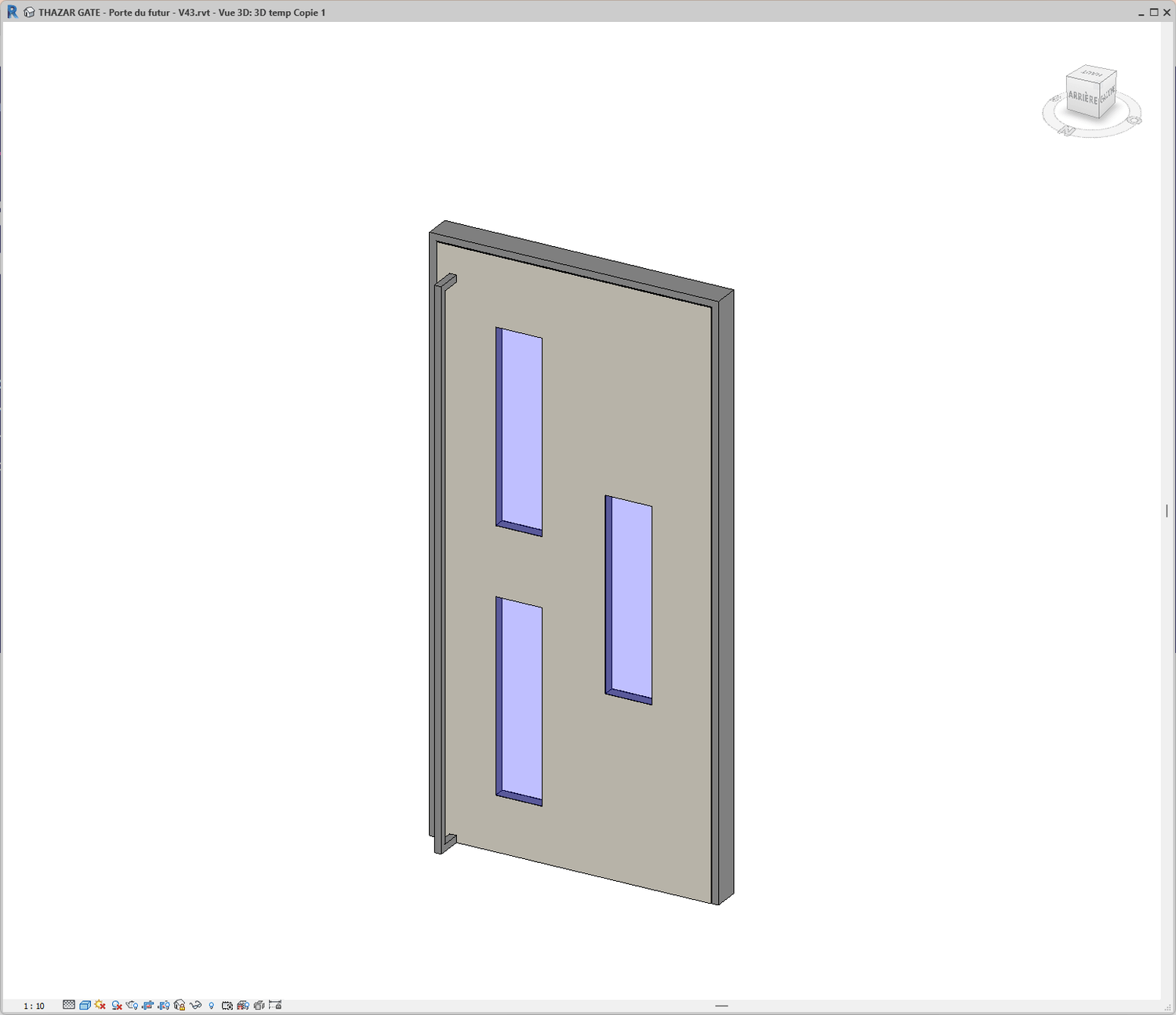
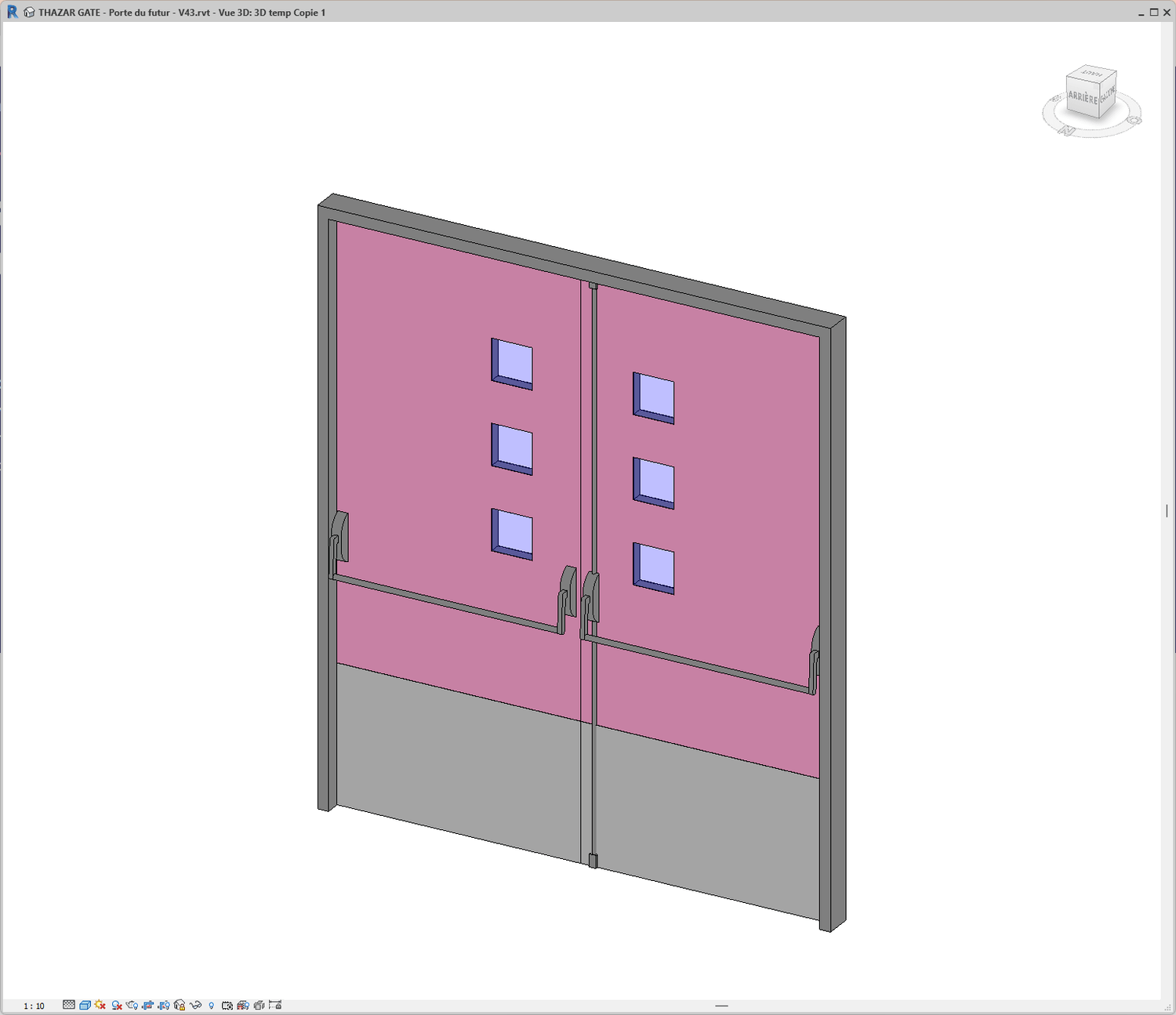
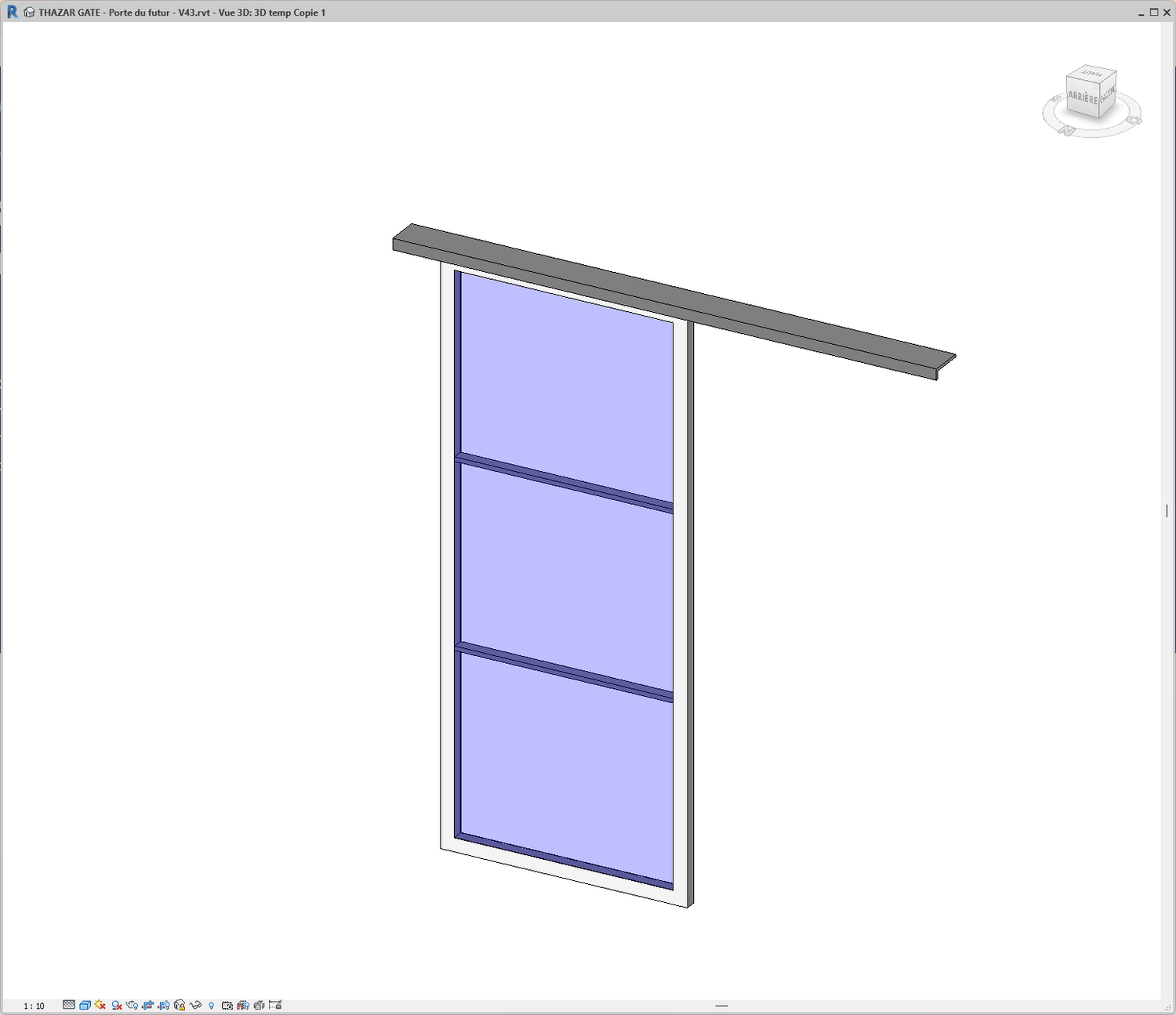
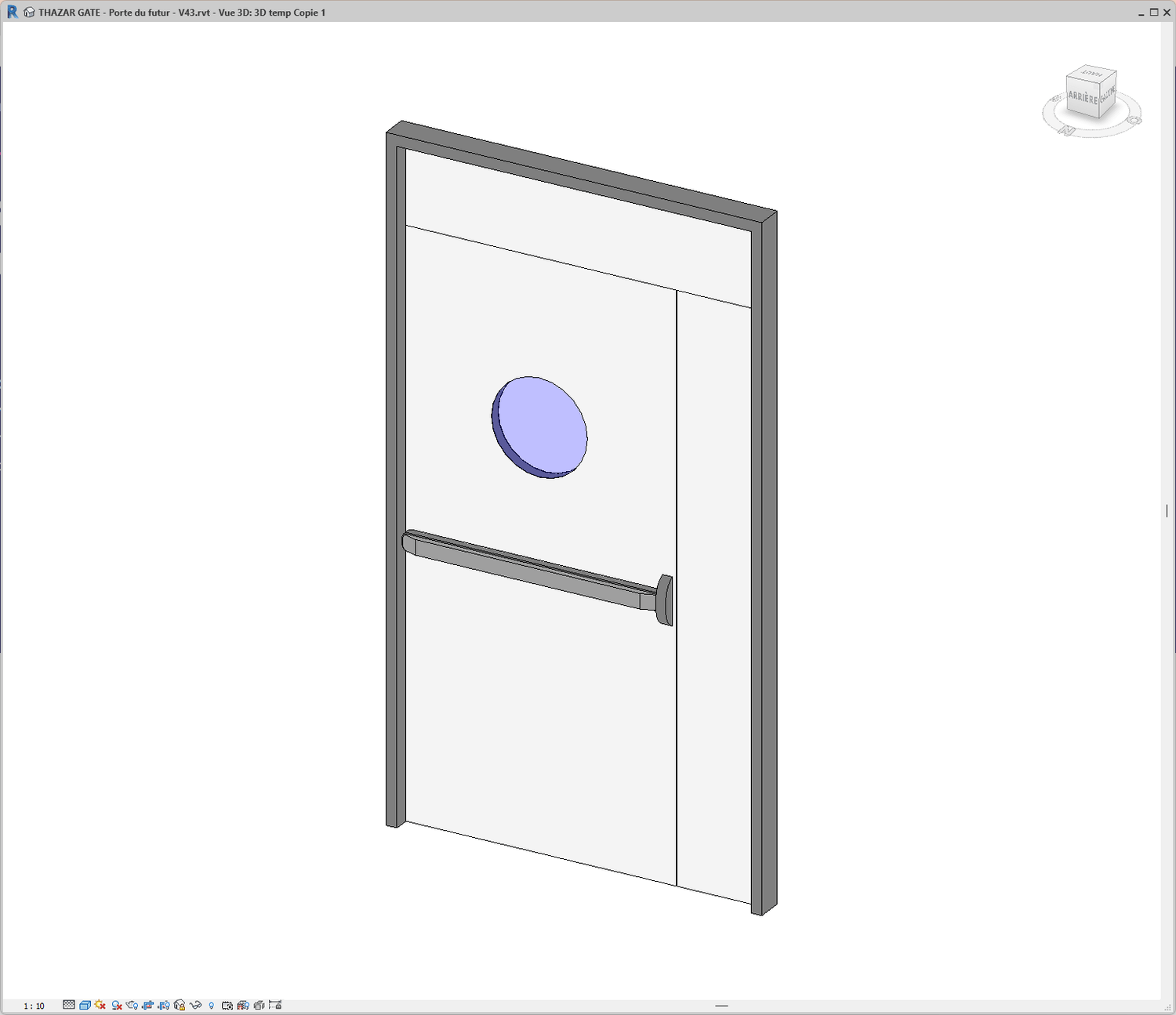
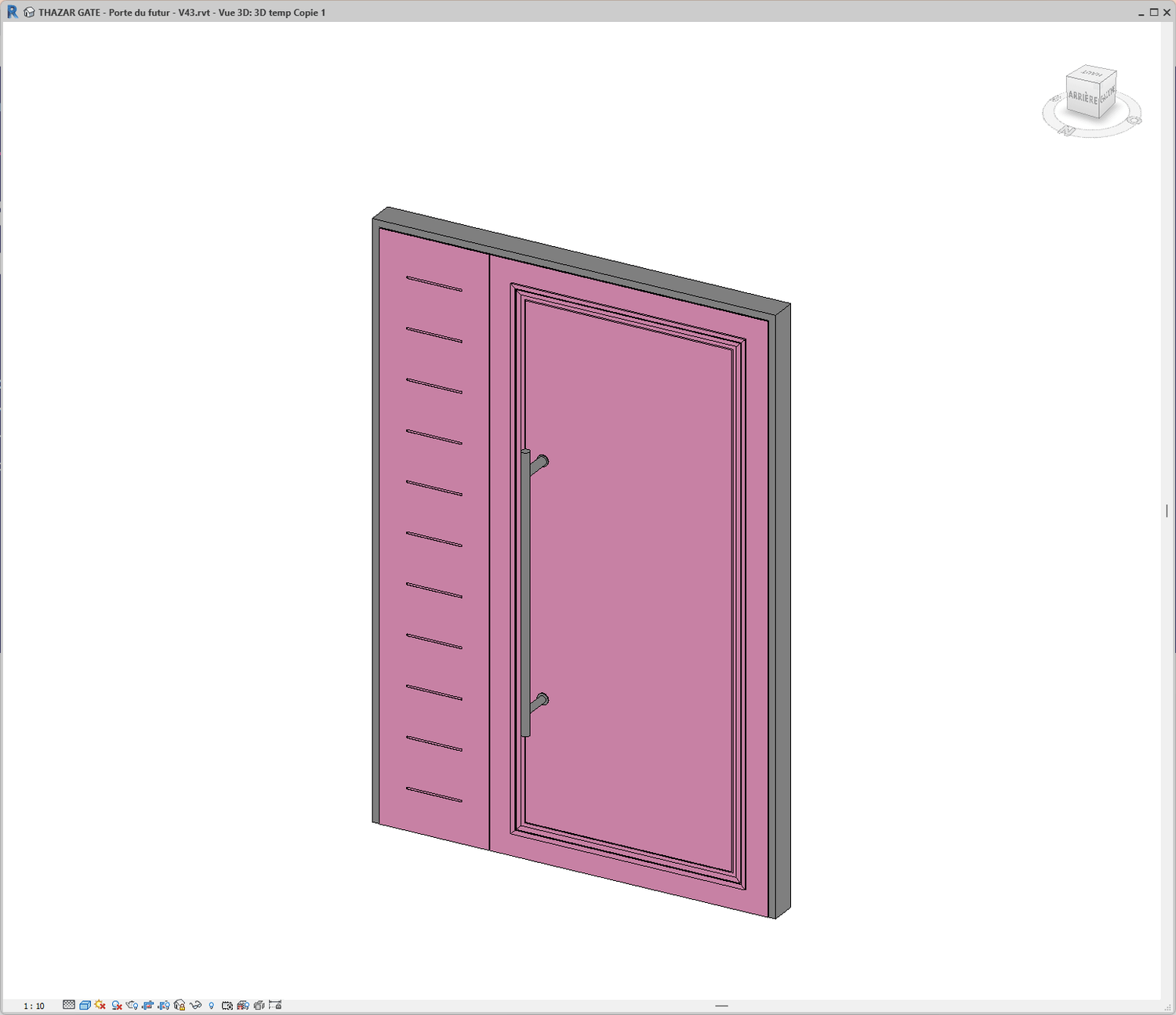
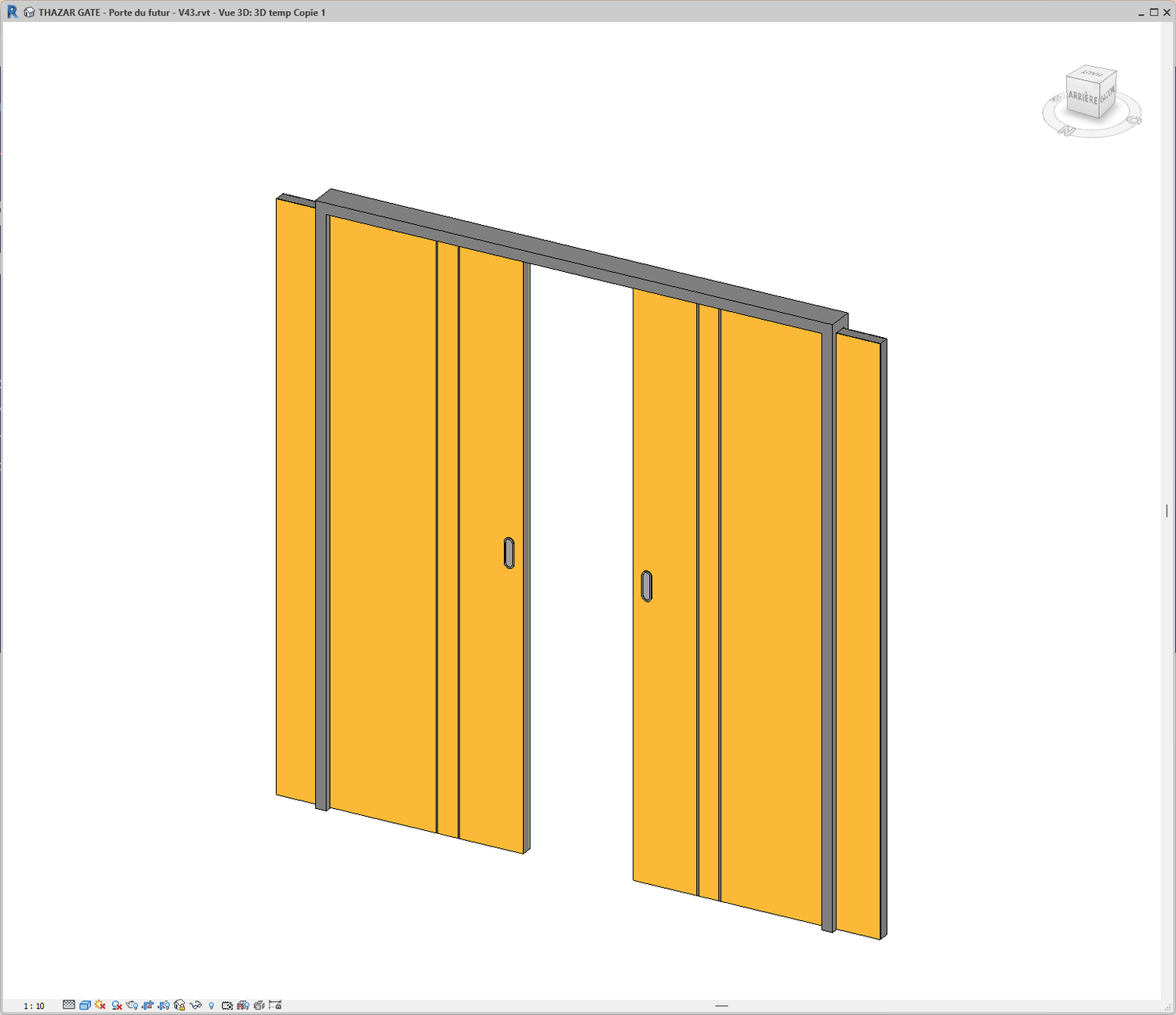
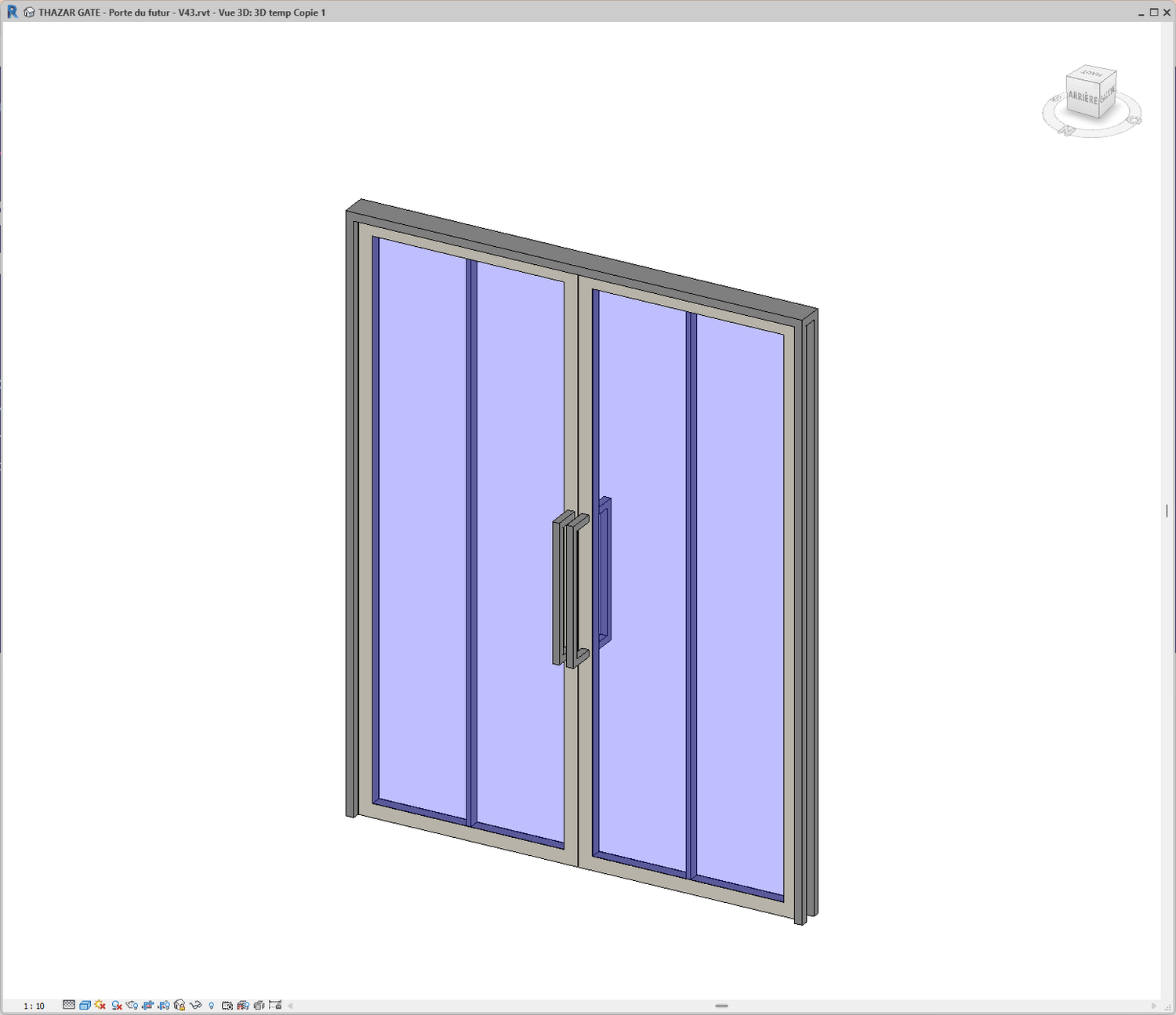
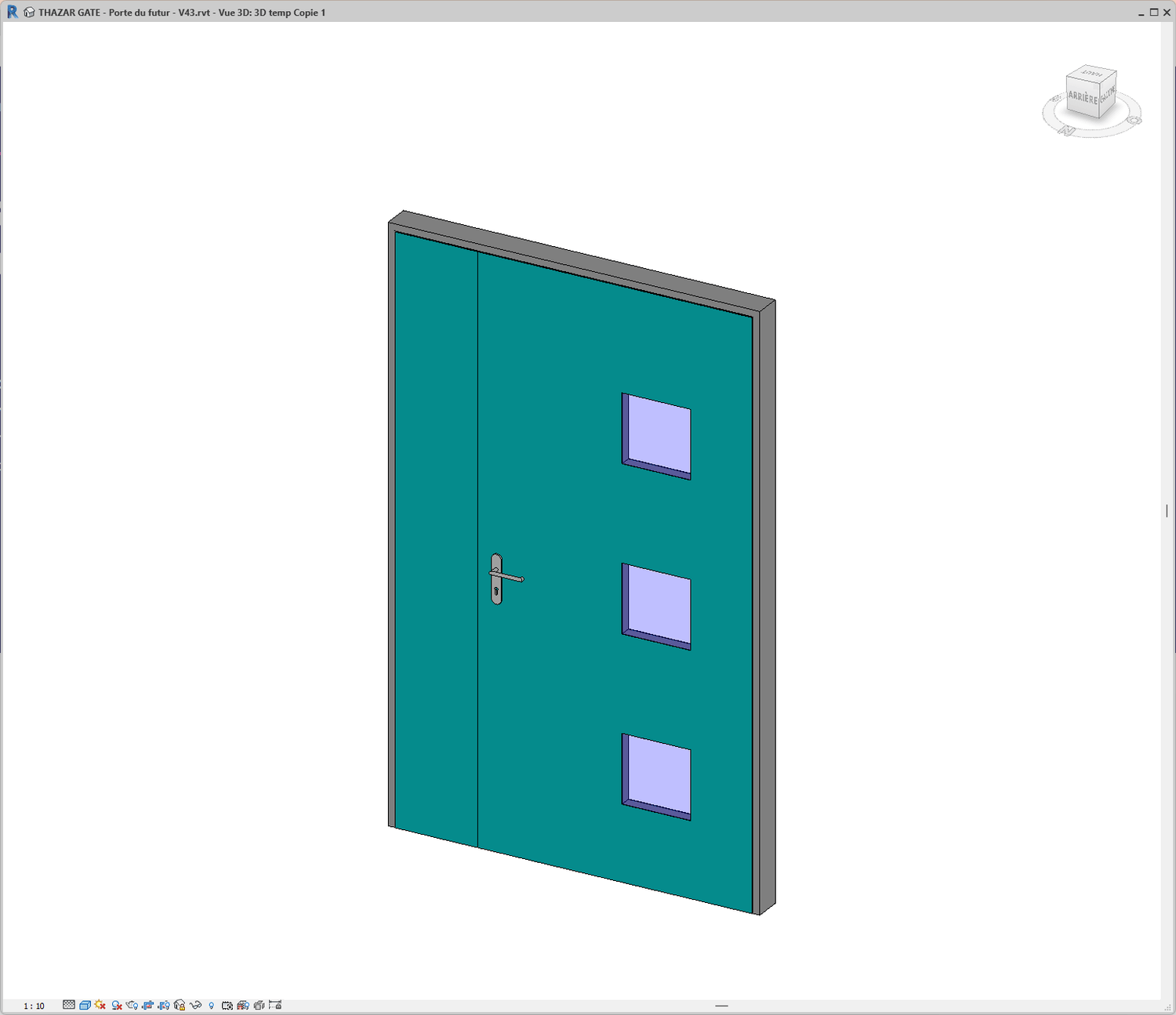
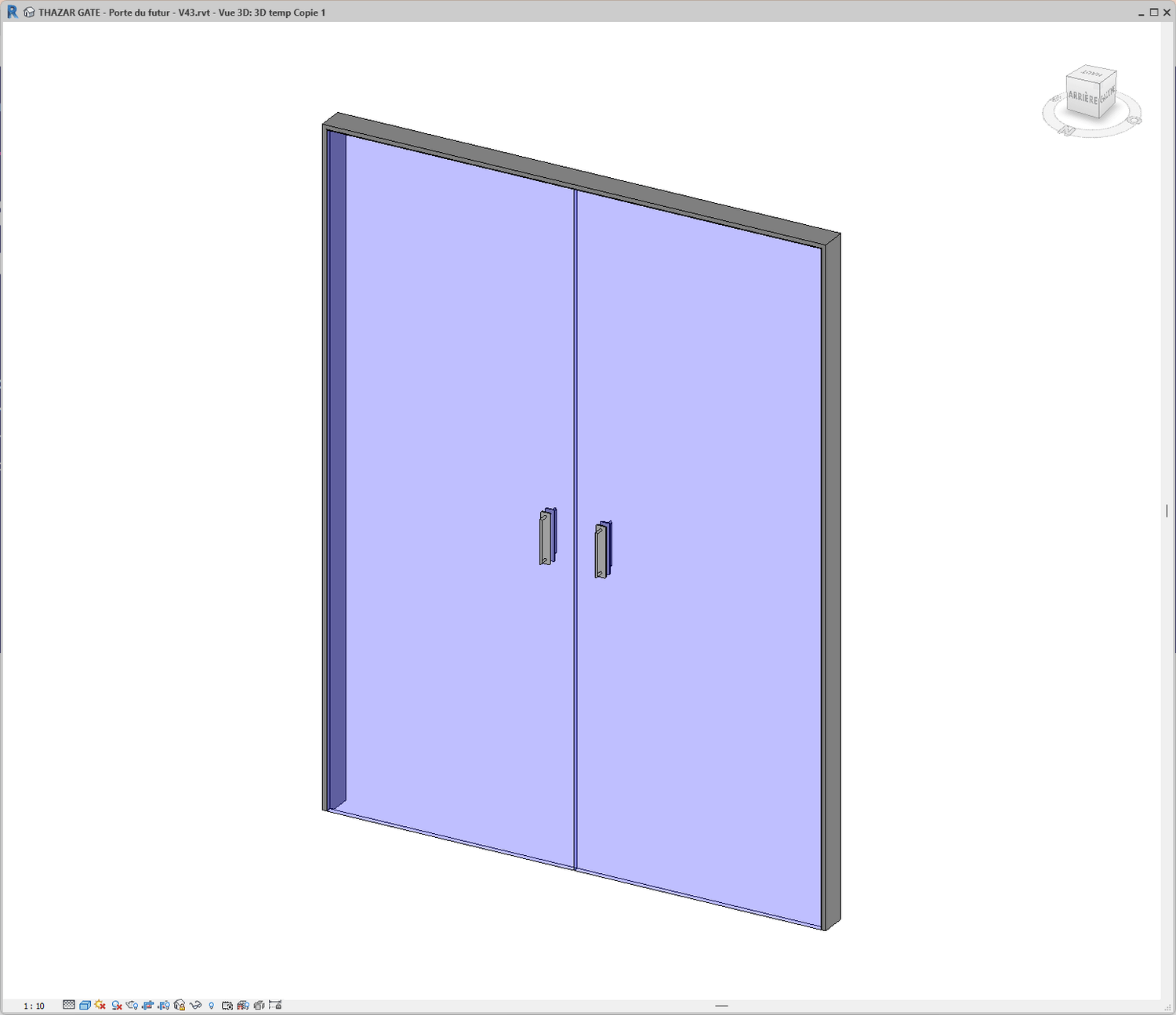
They share their experience with our products
F.A.Q
You can customize:
The level of geometric detail
The 2D representation
The naming of parameters
Every door component: finishes / accessories / hardware
The door generator family weighs 4.2 MB when properly purged.
You can further reduce family size by splitting door types (Single leaf / Double leaf / Single swing / Double swing, etc.).
Contact us : contact@thazargate.com
Revit 2022
French and English
Contact us
contact@thazar-gate.com